ChatGPT Image Prompts: 30 Copy-Ready Prompts by Style
30 copy-ready ChatGPT image prompts by style: product, poster, illustration, infographic and text-in-image, with real GPT Image 2.5 outputs and credits.
This guide collects 30 copy-ready chatgpt image prompts across five styles: product, poster, illustration, infographic and text-in-image. Every prompt is shown with its real Omnely GPT Image 2.5 output and credit cost, all at 1K for 8 credits each (GPT Image 2.5 Flare, plus one GPT Image 2.5 Sunburst product shot). Copy any block, paste it into a GPT Image generator and adjust the bracketed details.
Bold minimalist poster, flat vector style, giant sans-serif headline "FOCUS MODE" in black on cream, small subtitle "deep work, no noise" bottom-left, single orange circle top-right, generous negative space, 2:3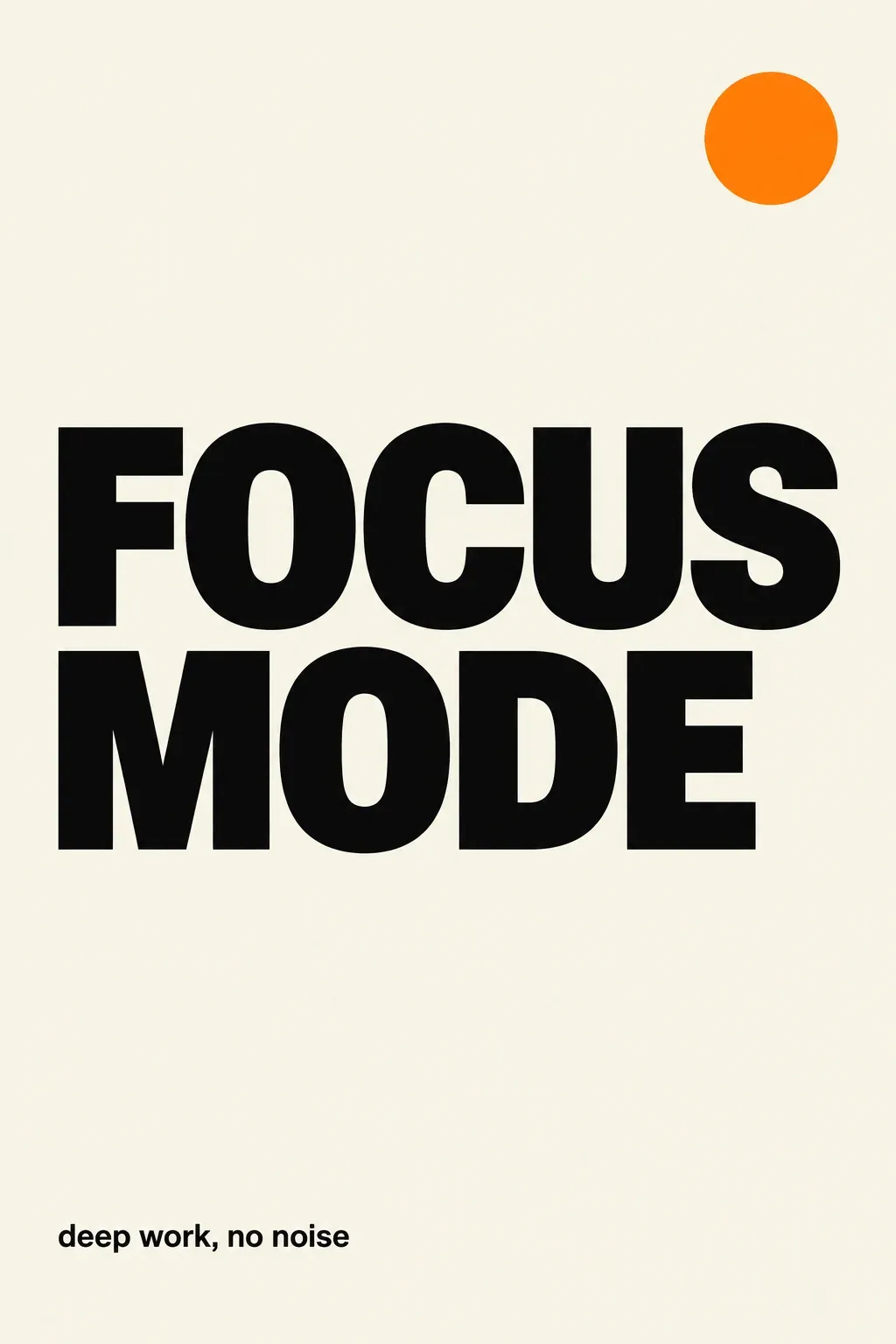
*Real Omnely output for the prompt above (prompt 8 below): GPT Image 2.5 Flare, 1K, 8 credits.*
Run these prompts on GPT Image 2 on Omnely.
| Style | Best for | Aspect ratio | Credits per output |
|---|---|---|---|
| Product | Studio renders, catalog | 16:9 or 1:1 | 8 (1K) |
| Poster | Events, campaigns, prints | 2:3 or 3:4 | 8 (1K) |
| Illustration | Editorial, decks, web | 1:1 or 4:5 | 8 (1K) |
| Infographic | Data, how-to, explainers | 4:5 or 9:16 | 8 (1K) |
| Text-in-image | Covers, quote cards, ads | 1:1 or 2:3 | 8 (1K) |
How to write chatgpt image prompts that work
OpenAI's own image-generation docs suggest keeping prompts to one to three clear sentences and ordering details from the outside in. A reliable formula used throughout this post:
1. Scene: the setting, lighting and mood.
2. Subject: the main object or focal point.
3. Key details: materials, colors, camera angle, style.
4. Text: exact strings in double quotes, kept short.
5. Constraints: aspect ratio, exclusions, no text, no logos.
A reusable template:
[Scene and lighting], [subject and action], [materials, colors, style, camera], text reads "EXACT STRING", [aspect ratio], [exclusions e.g. no text, no logos, no watermark]Three habits make the biggest difference:
- Put any on-image text in double quotes and keep it under about eight words per element.
- State the aspect ratio inside the prompt, not just in the UI.
- Name what to exclude, "no text," "no logos," "no extra limbs", more often than what to include.
Product prompts
Product prompts favor hard, directional light, clean surfaces, and a single hero object. Outputs shown are GPT Image 2.5 Flare at 1K, except prompt 1, which ran on GPT Image 2.5 Sunburst at 1K.
1. Luxury glass perfume bottle
Luxury product shot of a faceted glass perfume bottle on wet black stone, rose petals and soft mist, a single beam of warm backlight, high-end beauty campaign style, photorealistic, 16:9, no text, no logos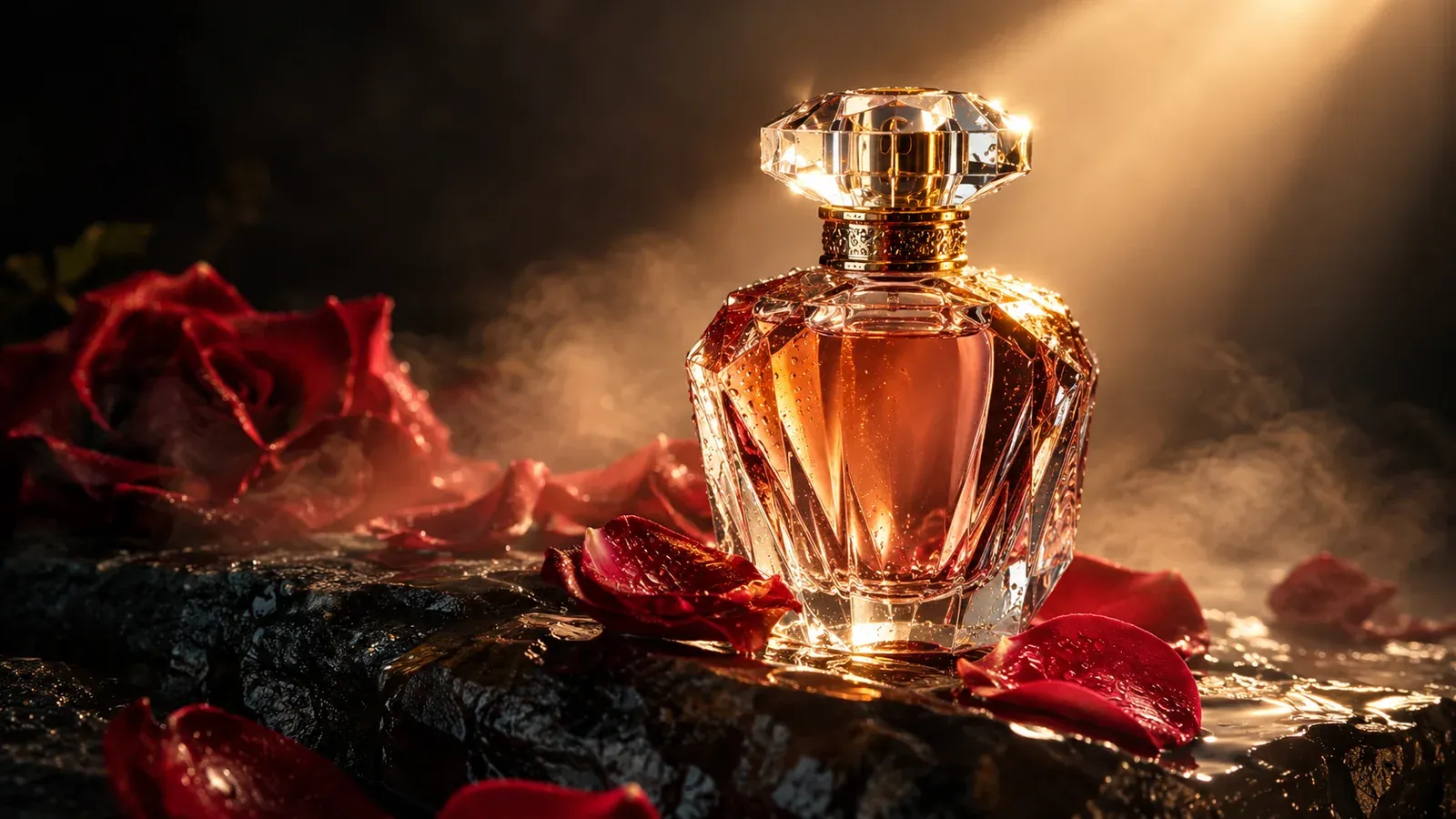
*Real Omnely output: GPT Image 2.5 Sunburst, 1K, 8 credits.*
Why it works: scene first, then subject, then one single light direction locks the mood without competing highlights.
2. Minimalist ceramic coffee mug
Overhead product shot of a matte white ceramic mug on pale oak wood, single sprig of eucalyptus to the side, soft diffused morning light, Scandinavian minimalist style, photorealistic, 1:1, no text, no logos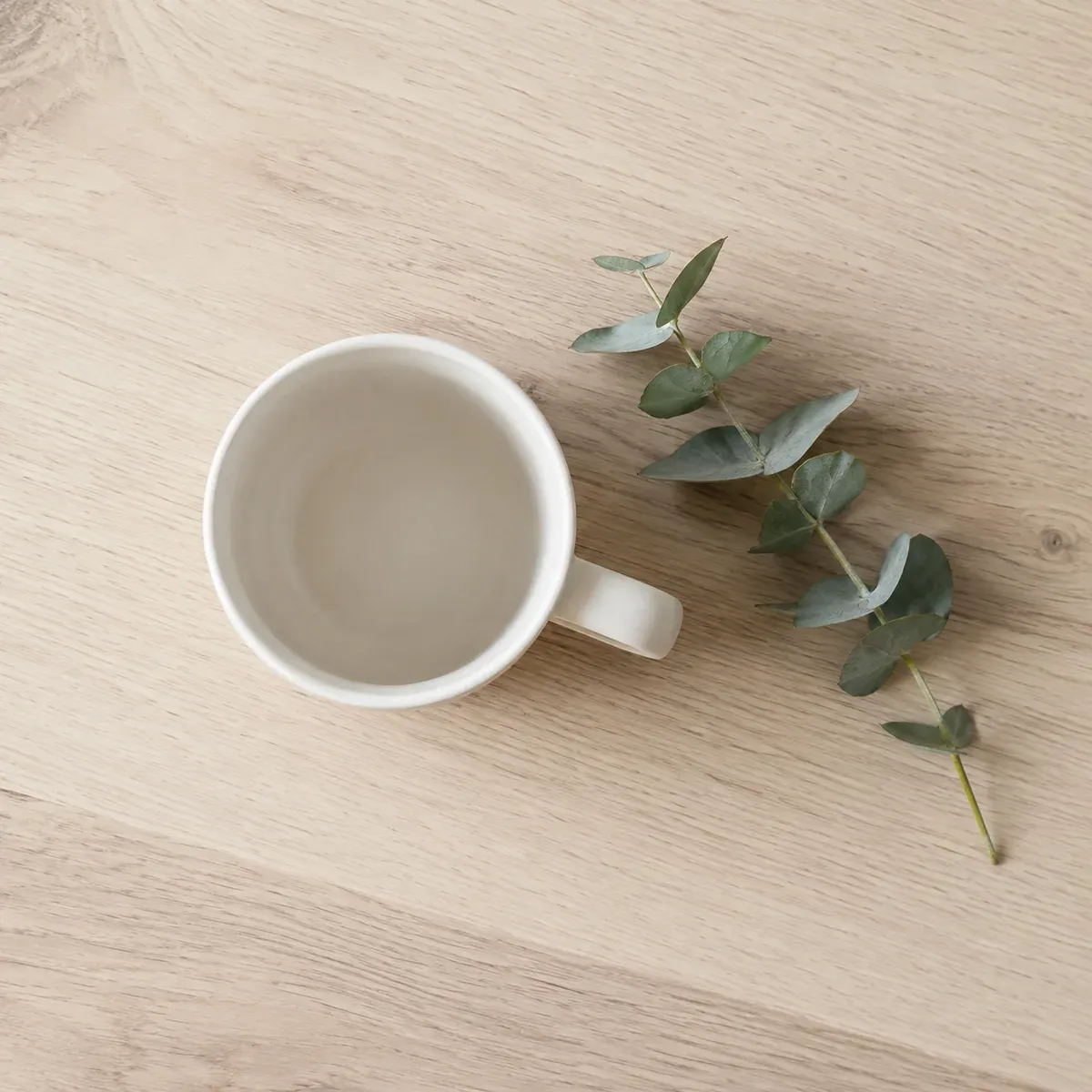
*Real Omnely output: GPT Image 2.5 Flare, 1K, 8 credits.*
Why it works: top-down framing plus a single prop keeps the mug as the hero while giving the scene a sense of place.
3. Floating sneaker on gradient
Studio product shot of a bright coral running sneaker floating mid-air on a soft lilac-to-peach gradient background, hard rim light from the right, subtle contact shadow below, catalog e-commerce style, photorealistic, 4:5, no text, no logos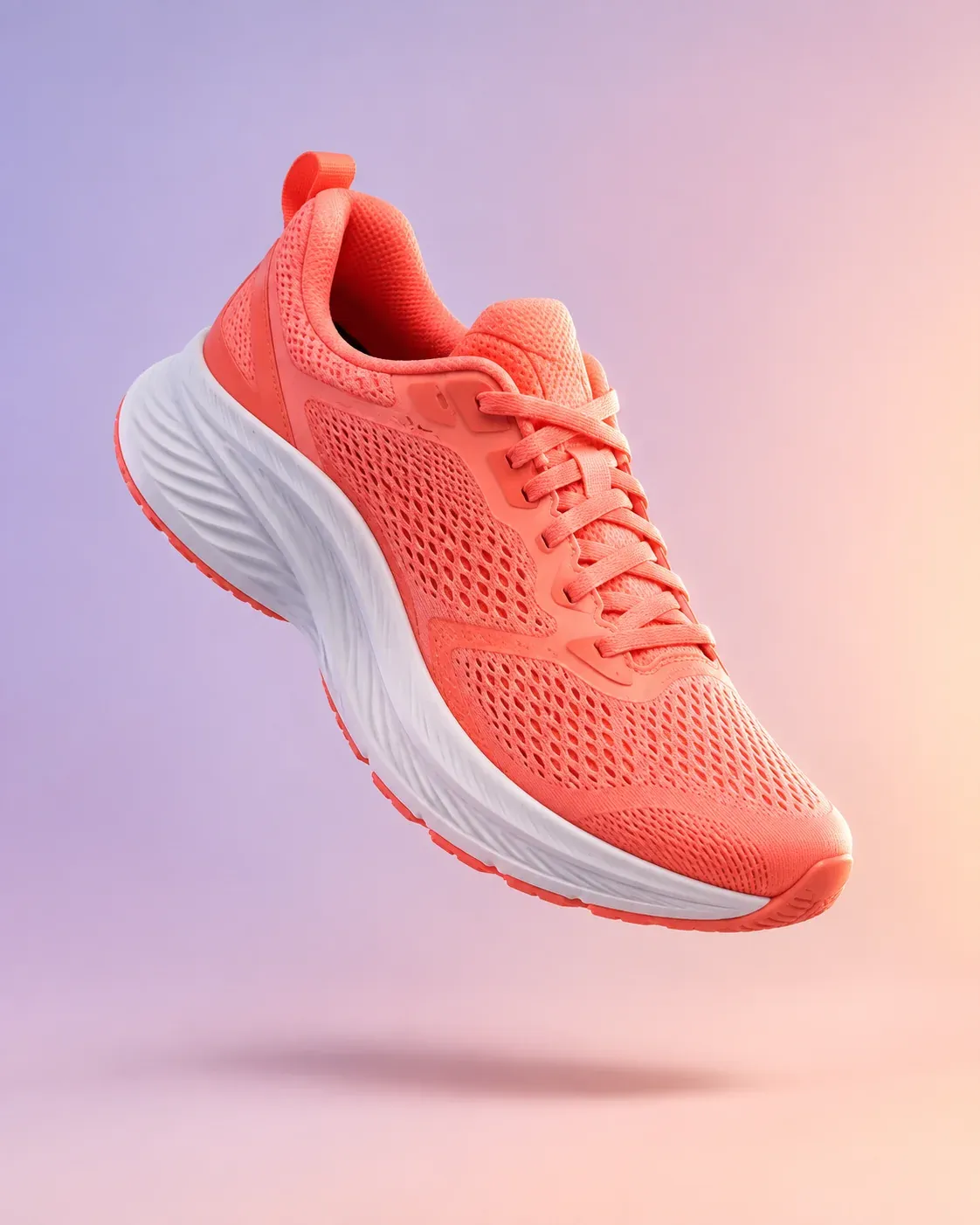
*Real Omnely output: GPT Image 2.5 Flare, 1K, 8 credits.*
Why it works: naming the shadow and rim light prevents the floating object from looking pasted onto the gradient.
4. Skincare dropper bottle flat lay
Flat lay of an amber glass dropper bottle, surrounded by fresh green leaves, drops of serum on a cream linen surface, soft natural top light, clean beauty editorial style, photorealistic, 2:3, no text, no logos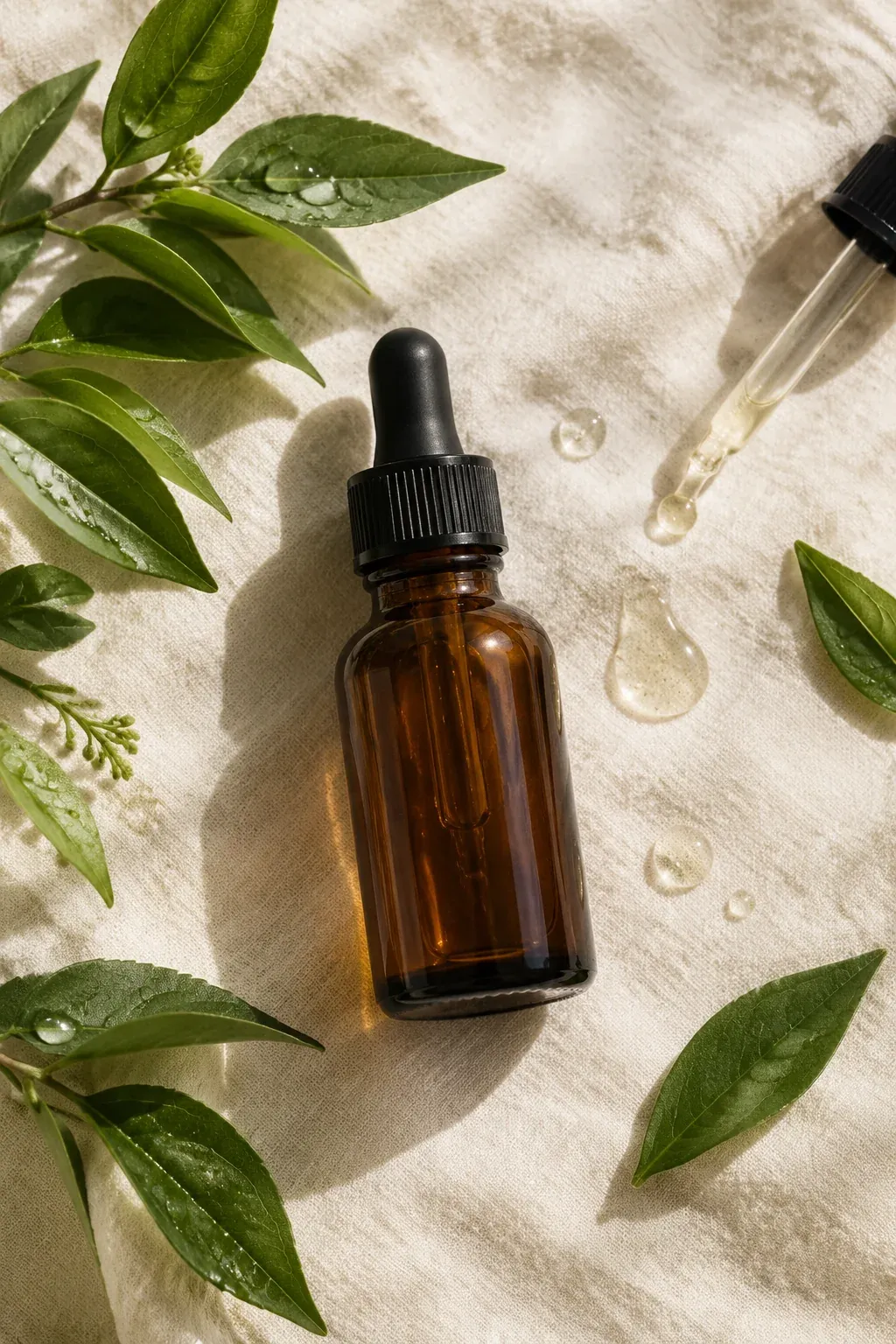
*Real Omnely output: GPT Image 2.5 Flare, 1K, 8 credits.*
Why it works: the "flat lay" cue plus named surface material tells the model exactly how to frame and texture the shot.
5. Noise-cancelling headphones hero
Three-quarter studio shot of matte charcoal over-ear headphones on a dark grey seamless backdrop, cool blue accent light rimming the earcups, deep shadows, premium tech product render, photorealistic, 16:9, no text, no logos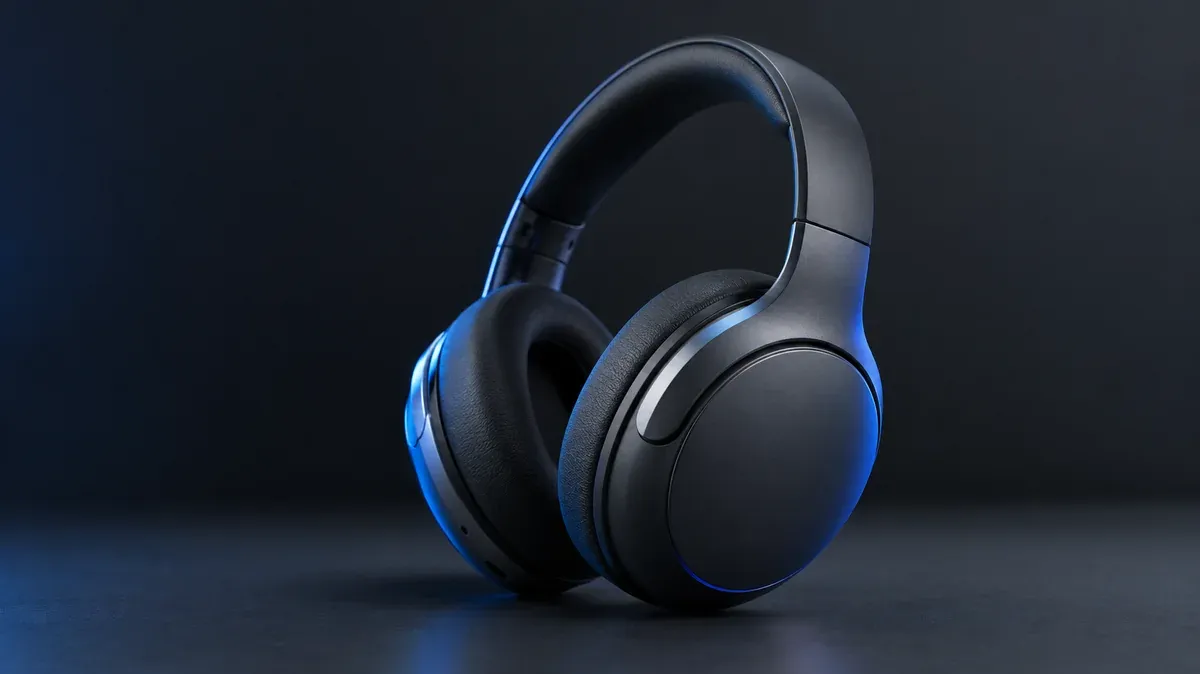
*Real Omnely output: GPT Image 2.5 Flare, 1K, 8 credits.*
Why it works: a three-quarter angle shows depth and ear-cup shape in one frame, stronger than a flat side profile.
6. Craft chocolate bar packaging mockup
Studio shot of a matte kraft paper chocolate bar wrapper standing upright on a dark walnut surface, cacao nibs scattered at the base, warm side light, artisanal food packaging style, photorealistic, 2:3, no text on wrapper, no logos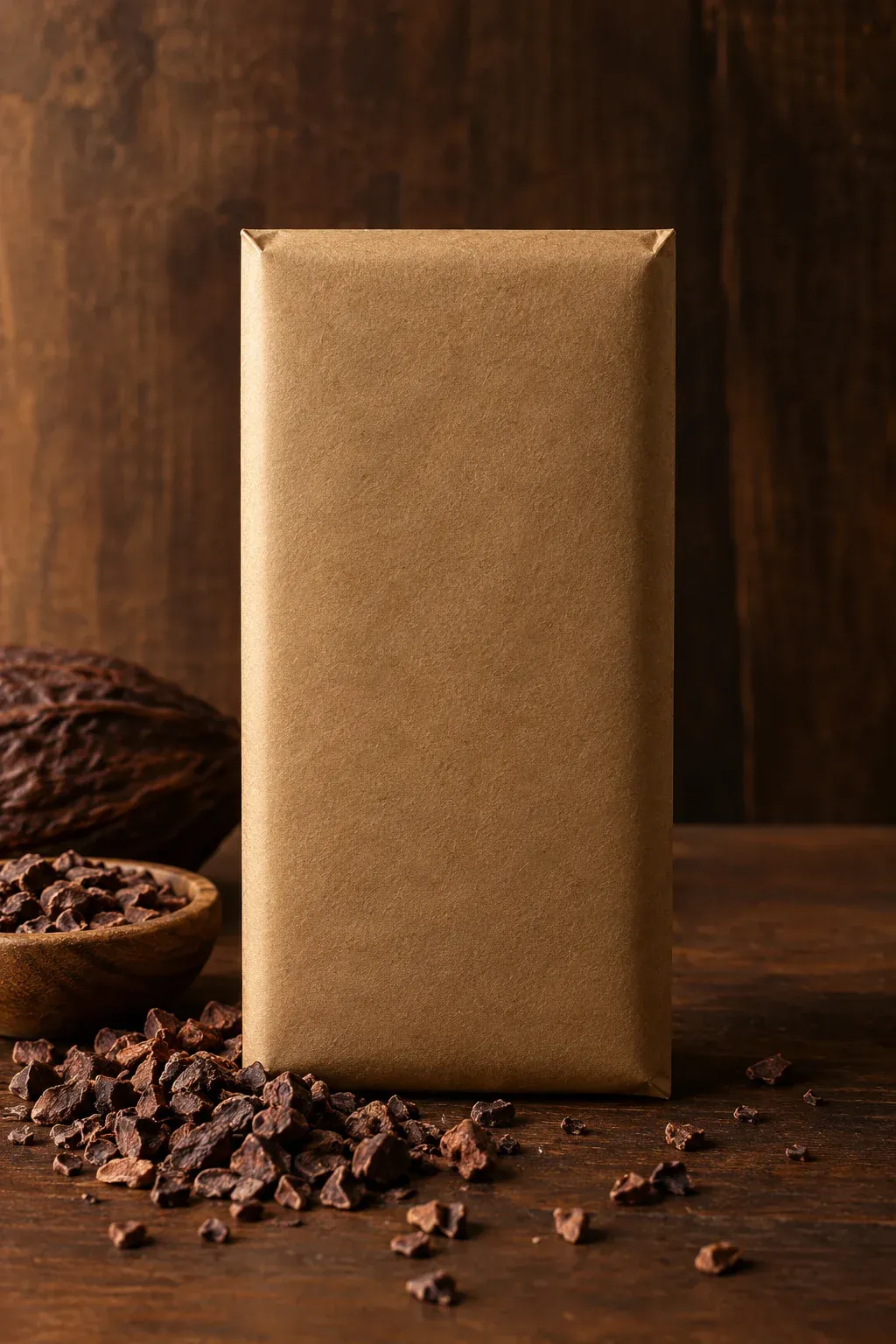
*Real Omnely output: GPT Image 2.5 Flare, 1K, 8 credits.*
Why it works: explicitly banning text on the wrapper prevents the model from inventing garbled label copy on the package.
Poster prompts
Posters live or die on hierarchy. Each chatgpt image prompt below locks in headline position, color palette, and negative space before anything else.
7. Retro concert poster
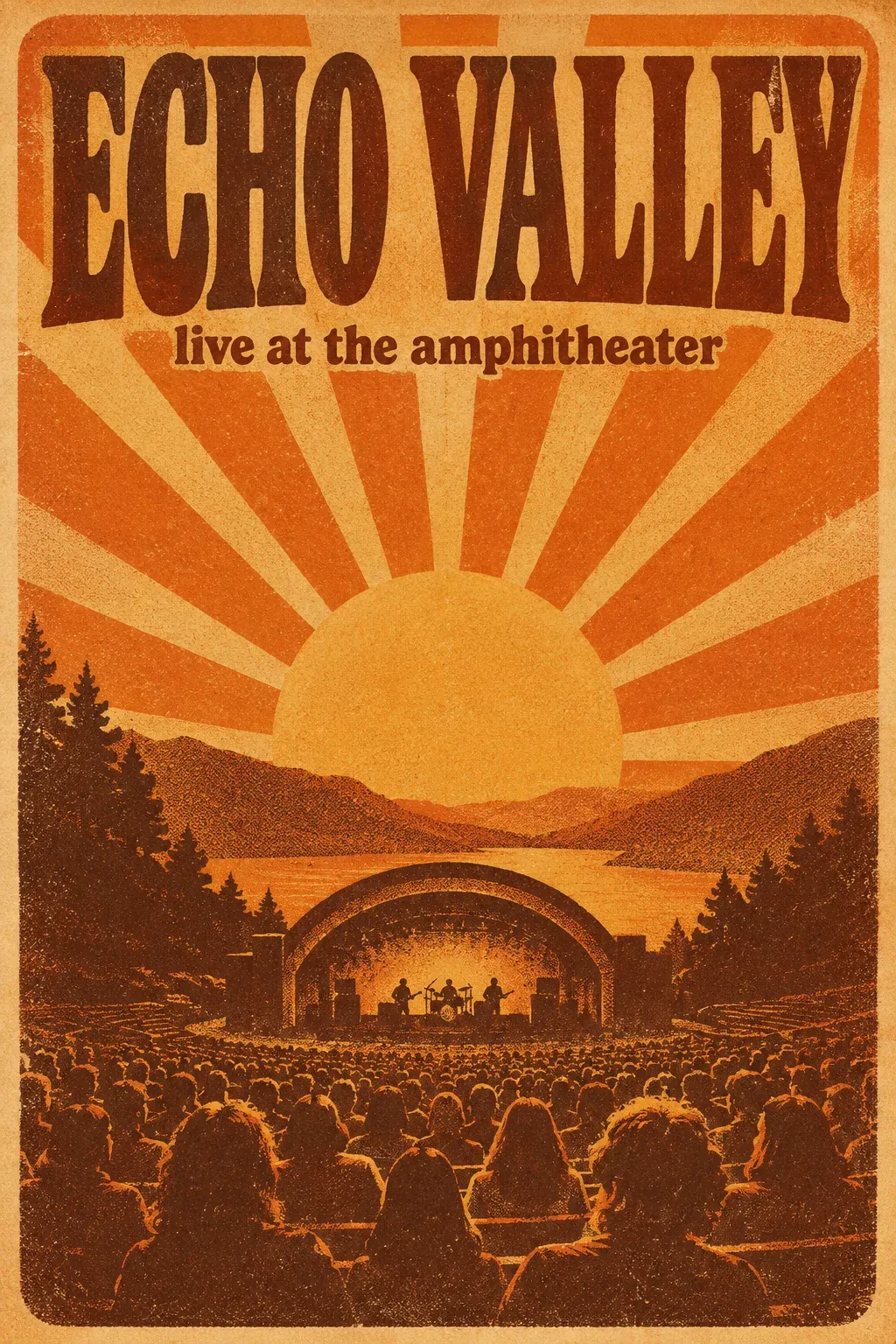
Vintage 1970s concert poster, warm orange and brown palette, bold condensed serif headline "ECHO VALLEY" top-center, subtitle "live at the amphitheater" below, stylized sun ray background, grainy screen-print texture, 2:3, no extra text
*Real Omnely output: GPT Image 2.5 Flare, 1K, 8 credits.*
Why it works: naming both the era and the printing technique ("screen-print texture") delivers consistent paper and ink feel.
8. Minimalist typography poster
Bold minimalist poster, flat vector style, giant sans-serif headline "FOCUS MODE" in black on cream, small subtitle "deep work, no noise" bottom-left, single orange circle top-right, generous negative space, 2:3
*Real Omnely output: GPT Image 2.5 Flare, 1K, 8 credits.*
Why it works: one shape, one headline, one accent color, the model has nowhere to add clutter.
9. Film festival poster
Modern film festival poster, deep navy background, geometric cutout of a reel in gold foil texture, large serif title "NORTHERN LIGHT FILM FEST" centered, small date "MARCH 12 to 19" below, elegant editorial layout, 3:4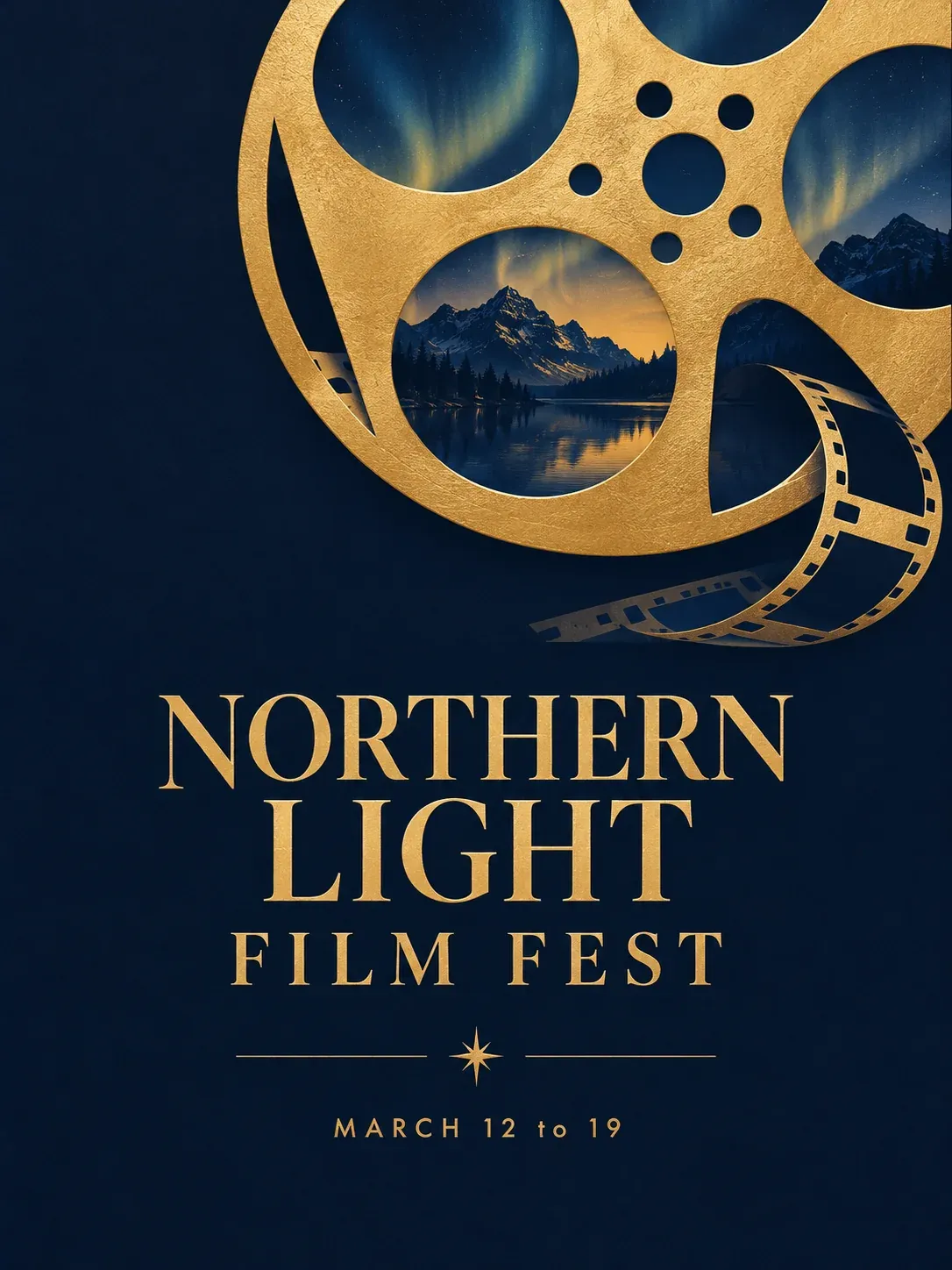
*Real Omnely output: GPT Image 2.5 Flare, 1K, 8 credits.*
Why it works: two text strings in quotes, each short, keep spelling clean while the design cue stays specific.
10. Travel poster, mountain lake
Illustrated travel poster, stylized mountain lake at sunrise, muted teal and dusty pink palette, flat geometric shapes, title "VISIT WILD SHORE" top, subtitle "pack light, stay long" bottom, soft paper grain, 2:3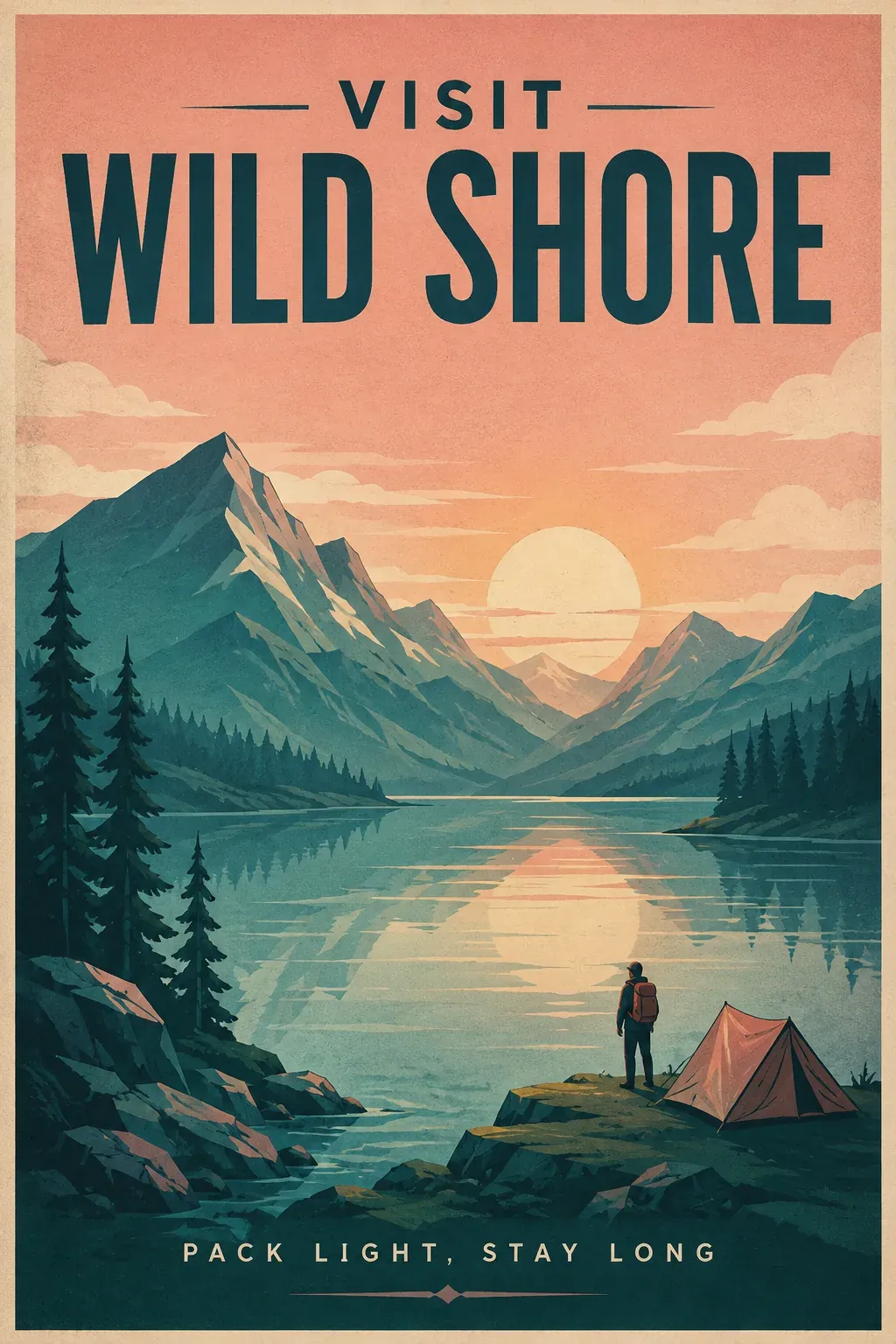
*Real Omnely output: GPT Image 2.5 Flare, 1K, 8 credits.*
Why it works: the "flat geometric shapes" instruction keeps the poster from drifting into photorealism.
11. Product launch teaser poster
Dark moody launch poster, close-up render of a glowing cyan sphere on a black background, bold headline "SOMETHING NEW" top, small date "11.11" bottom-right, tech brand style, high contrast, 9:16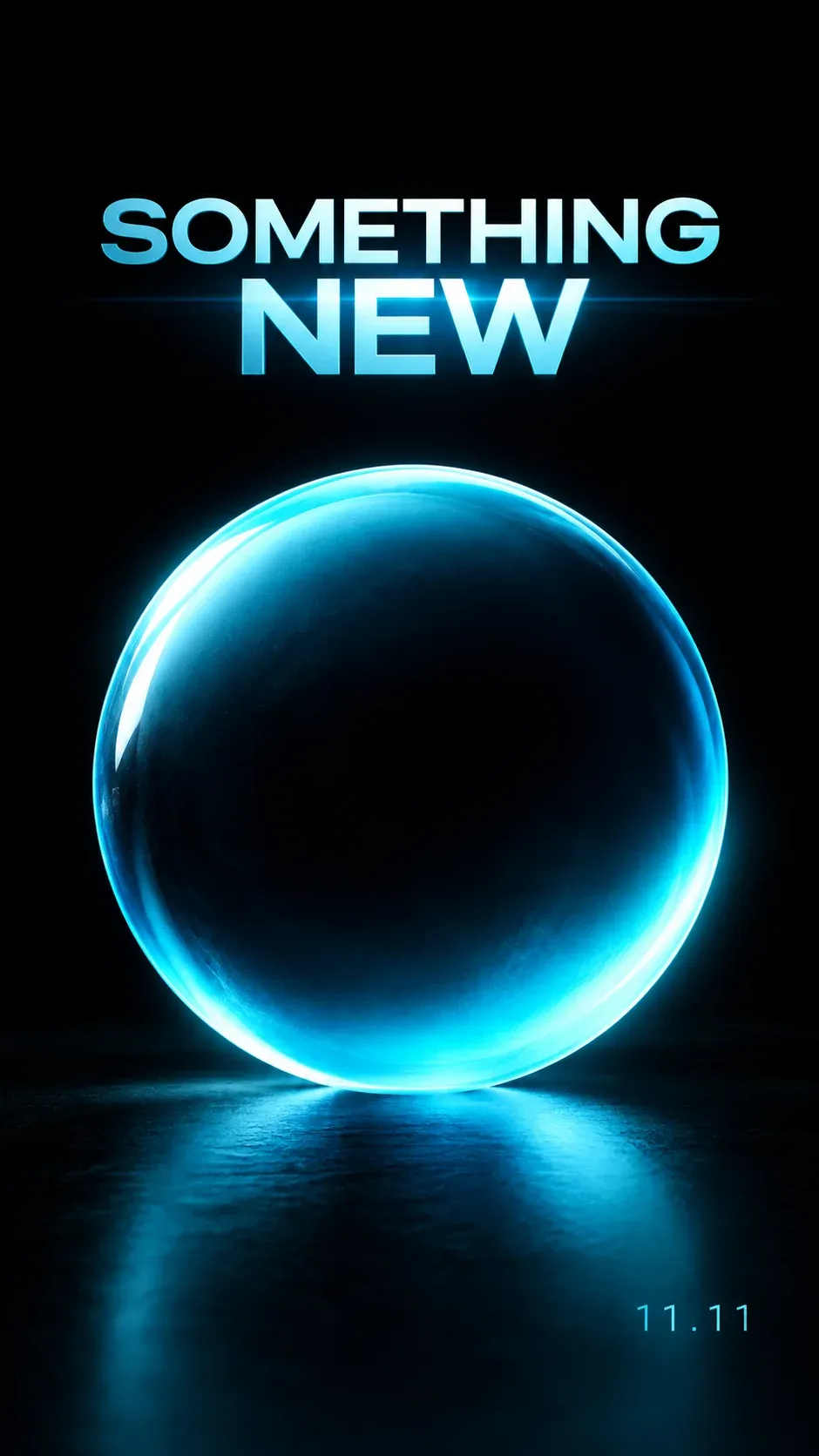
*Real Omnely output: GPT Image 2.5 Flare, 1K, 8 credits.*
Why it works: a tall 9:16 ratio preps the image for social stories without any post-crop.
12. Fitness class event poster
High-energy fitness event poster, bold red and black color blocks, angled sans-serif headline "SUNRISE HIIT" top-left, subtitle "saturday 6am riverside park" bottom, abstract motion lines across the center, 2:3, no photos of people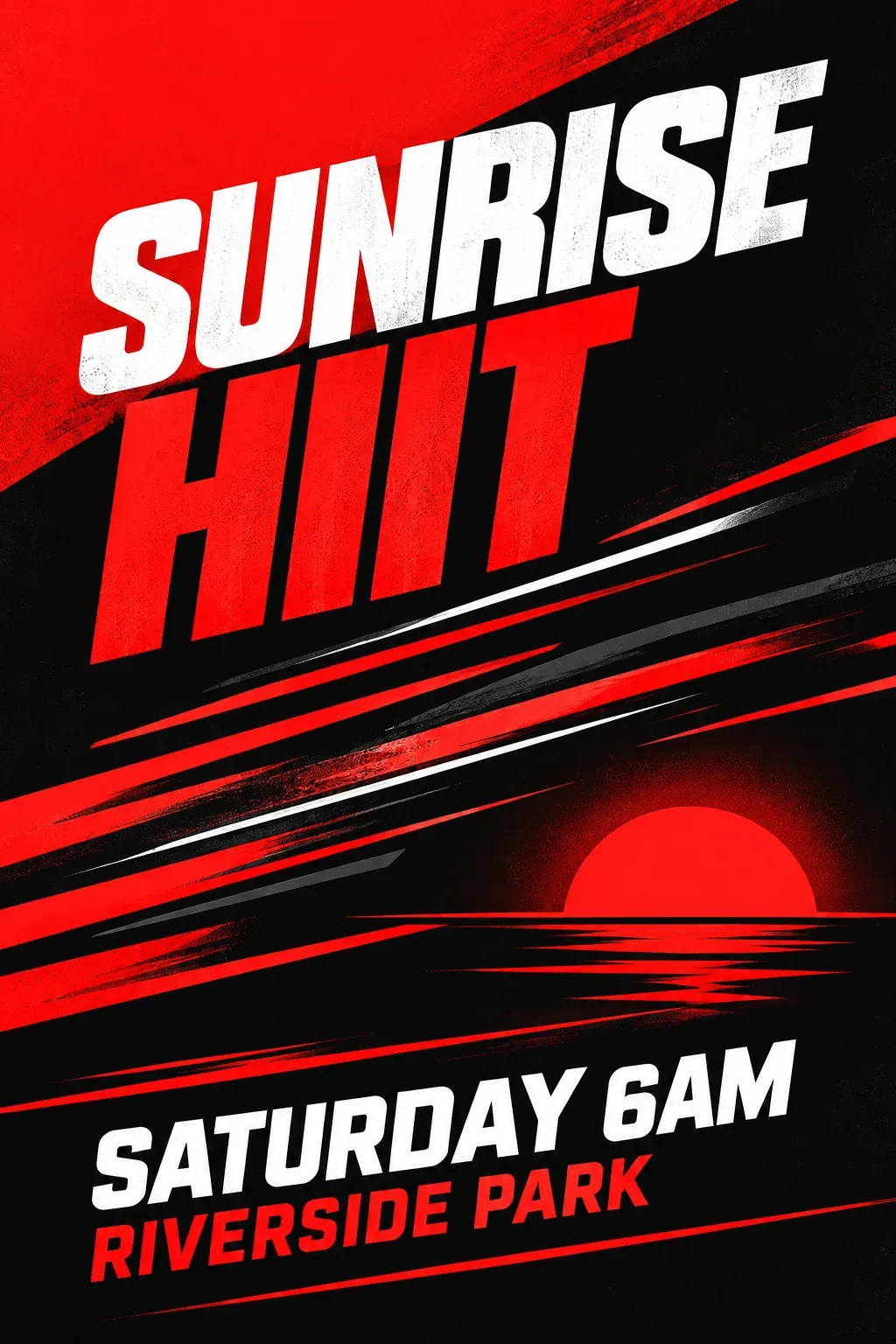
*Real Omnely output: GPT Image 2.5 Flare, 1K, 8 credits.*
Why it works: the "no photos of people" exclusion forces a graphic solution and avoids distorted figures.
Illustration prompts
Illustration prompts reward naming medium, line weight, and palette. These chatgpt picture prompts stay firmly in editorial territory, no realistic faces.
13. Editorial illustration, remote work
Flat editorial illustration, a desk floating in the clouds with a laptop, coffee cup, and small houseplant, soft pastel palette, thin line details, modern tech magazine style, 4:5, no text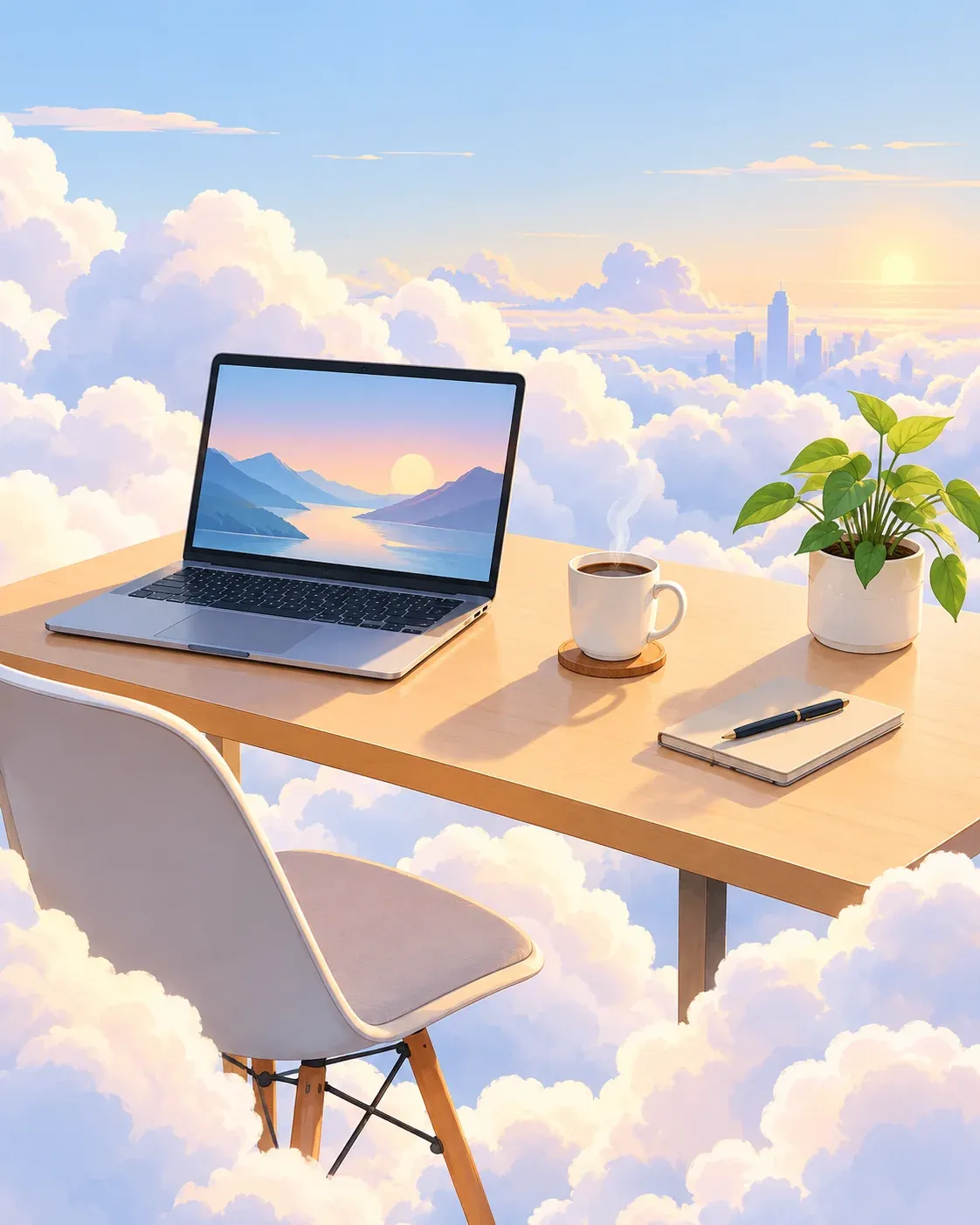
*Real Omnely output: GPT Image 2.5 Flare, 1K, 8 credits.*
Why it works: a surreal setting plus flat shapes signals editorial, not stock photography.
14. Children's book illustration, forest
Children's book illustration, a tiny fox peeking out from behind a mushroom in a glowing enchanted forest, soft watercolor textures, warm golden hour palette, storybook style, 1:1, no text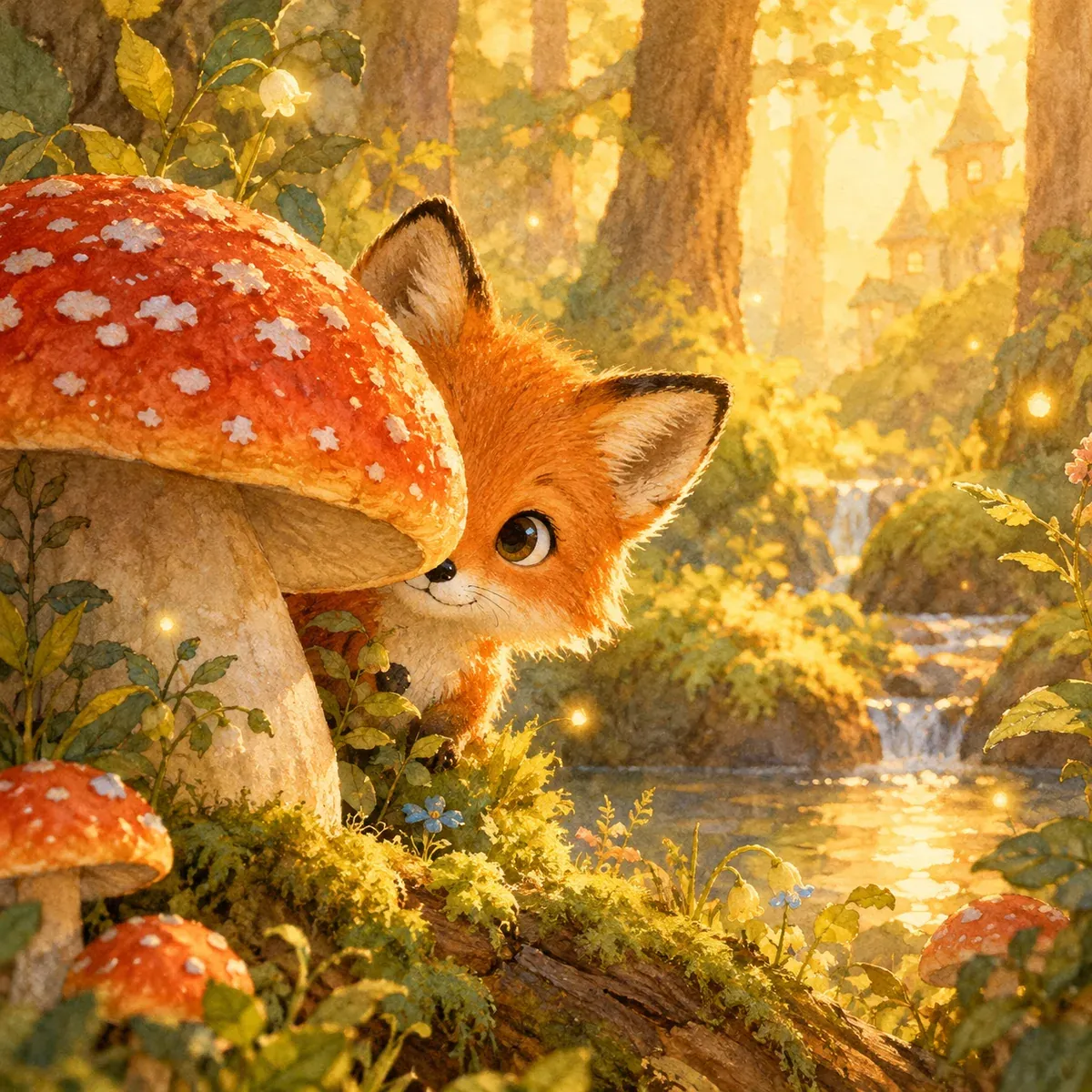
*Real Omnely output: GPT Image 2.5 Flare, 1K, 8 credits.*
Why it works: the "soft watercolor textures" cue keeps the mood painterly rather than digital-sharp.
15. Isometric illustration, cozy workspace
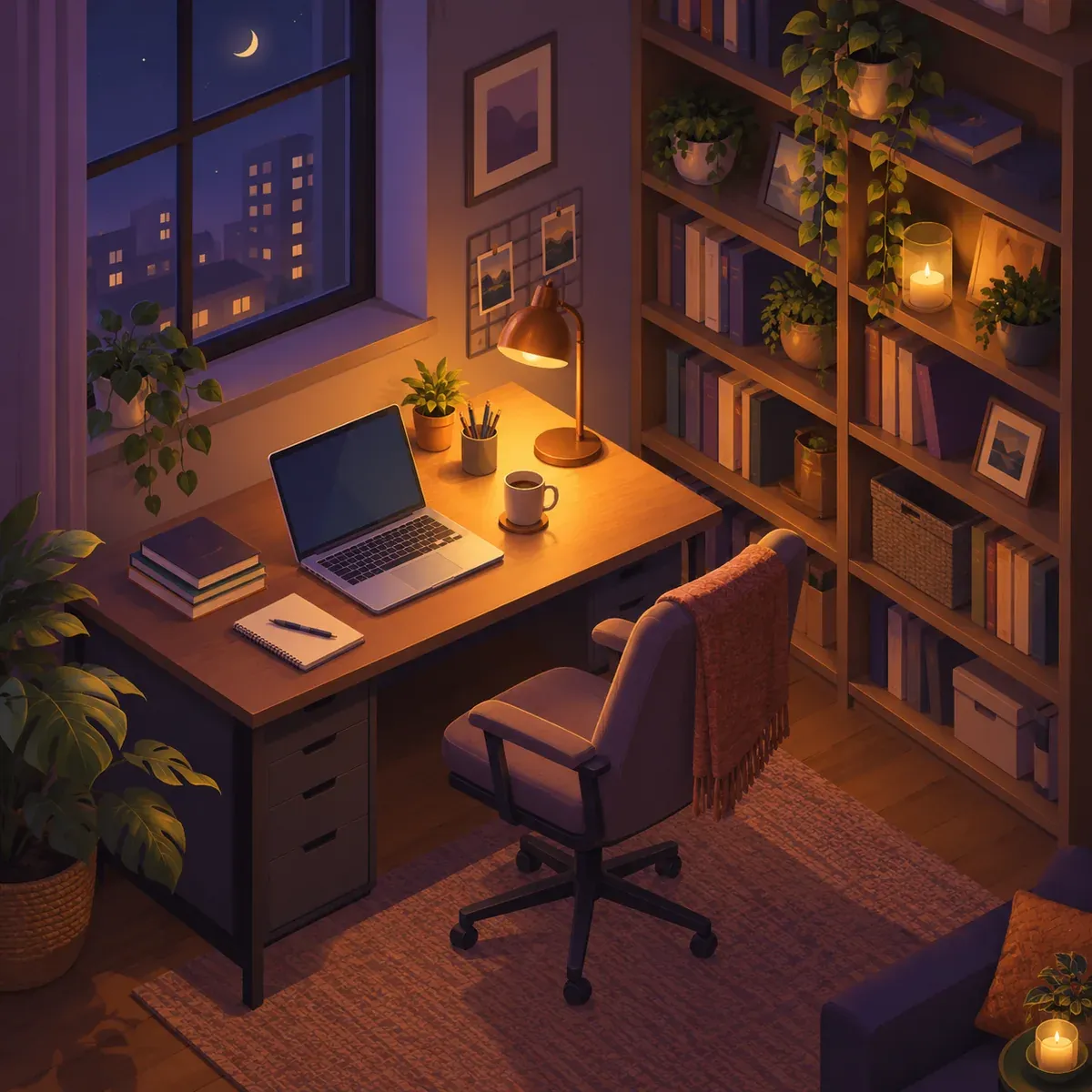
Isometric illustration of a cozy home office at night, warm desk lamp, open laptop, bookshelves with plants, muted purple and amber palette, clean vector style, 1:1, no text
*Real Omnely output: GPT Image 2.5 Flare, 1K, 8 credits.*
Why it works: isometric angles reduce ambiguity about depth and keep the geometry crisp.
16. Line art botanical illustration
Minimal single-line black ink botanical illustration of a monstera leaf on off-white paper, delicate linework, lots of negative space, gallery print style, 2:3, no text, no shading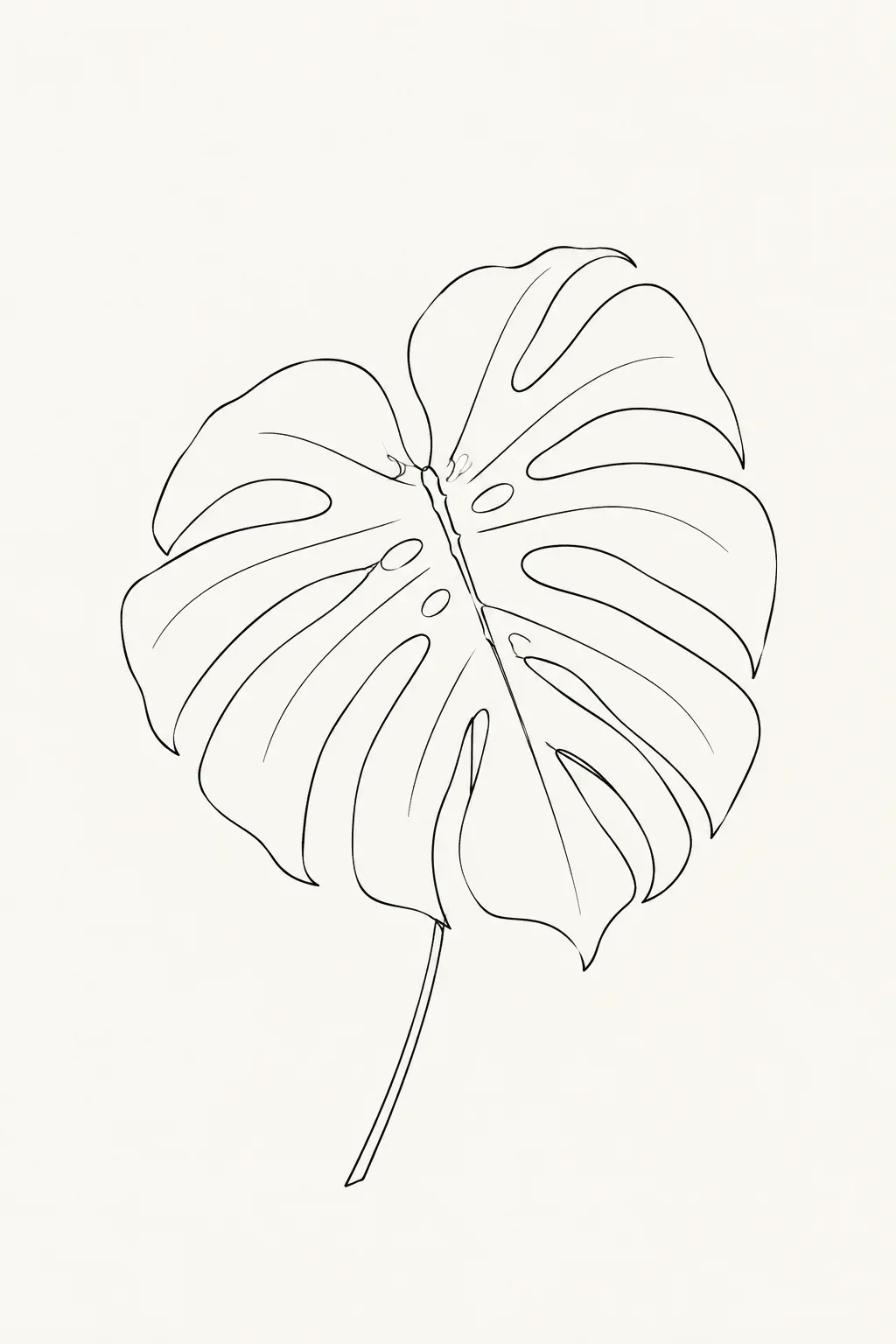
*Real Omnely output: GPT Image 2.5 Flare, 1K, 8 credits.*
Why it works: banning shading keeps the output a true line drawing instead of a shaded render.
17. Risograph-style music illustration
Risograph-style illustration of a vintage cassette tape, limited two-color palette of fluorescent pink and teal, visible paper texture and slight misregistration, retro zine aesthetic, 4:5, no text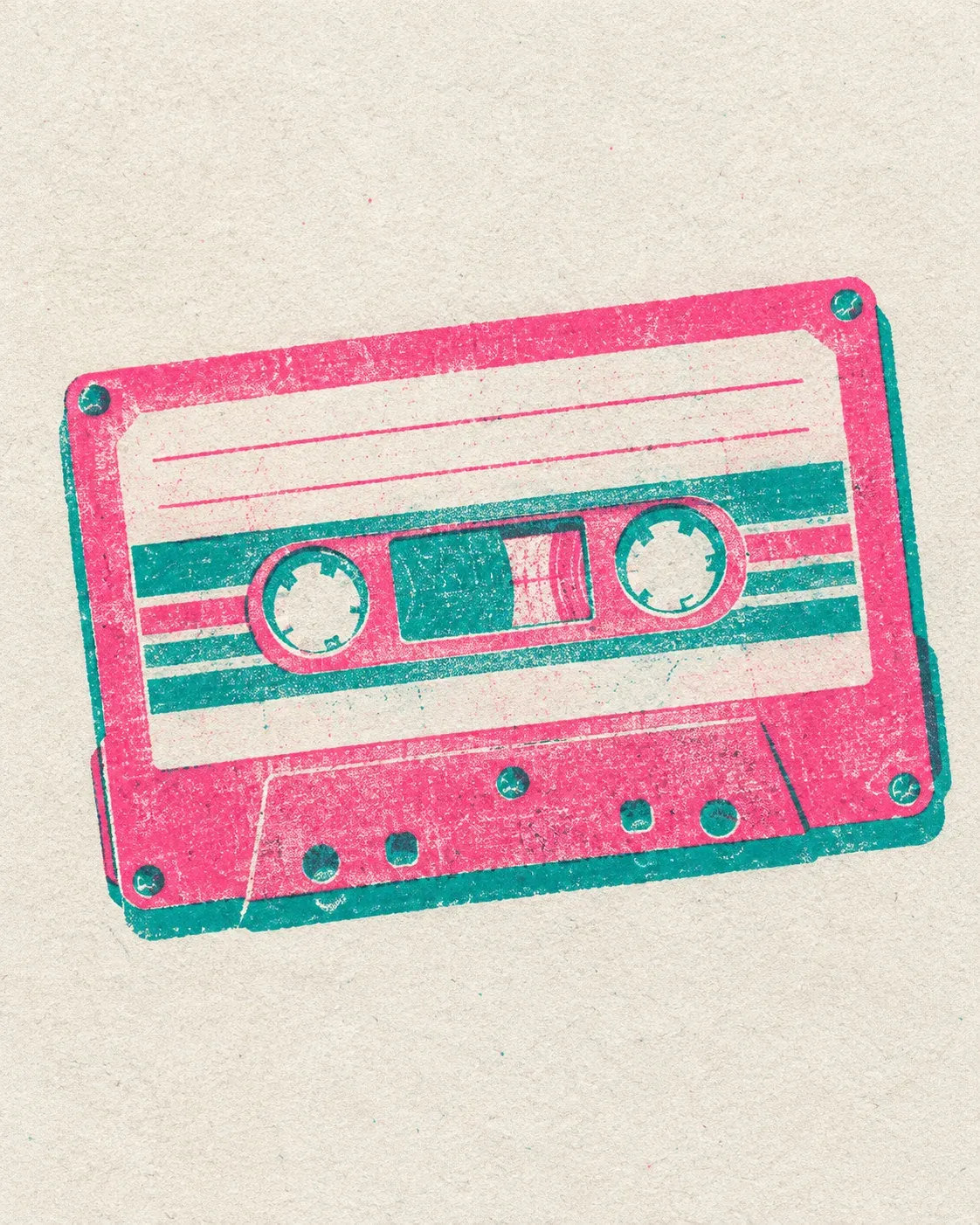
*Real Omnely output: GPT Image 2.5 Flare, 1K, 8 credits.*
Why it works: naming "misregistration" delivers the signature off-register look that defines the medium.
18. Noir detective illustration
Moody noir illustration of a rain-soaked city street at night, neon sign glow reflected in puddles, high contrast ink style, limited palette of deep teal and amber, graphic novel aesthetic, 16:9, no text, no people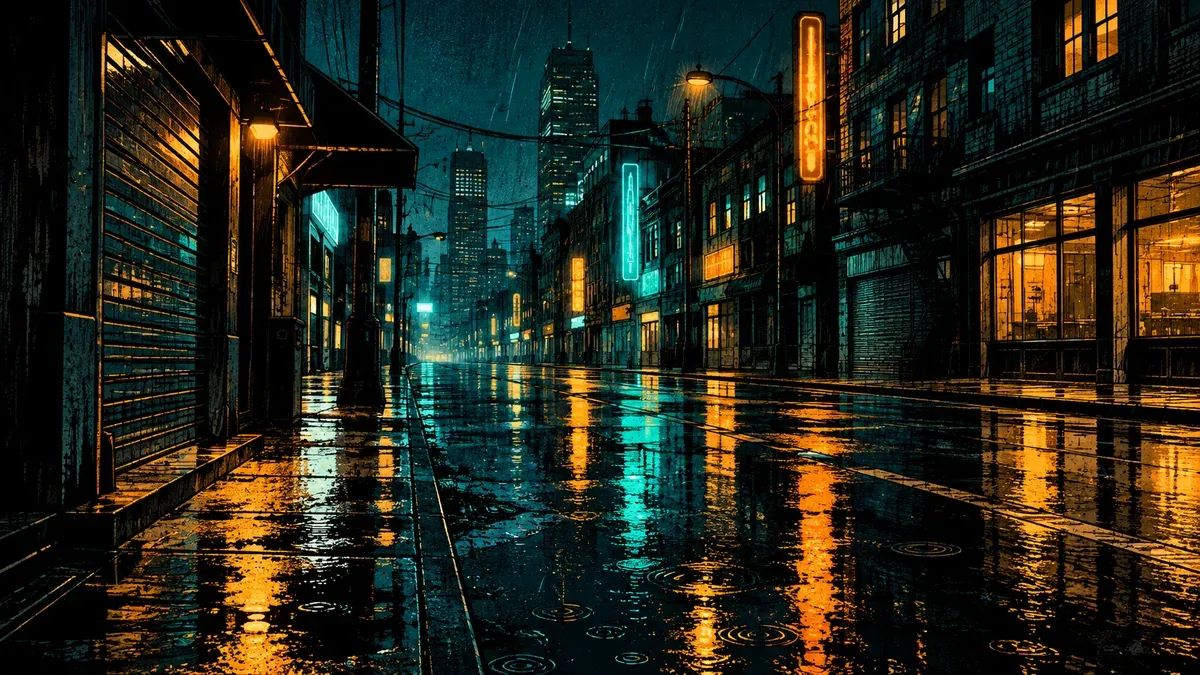
*Real Omnely output: GPT Image 2.5 Flare, 1K, 8 credits.*
Why it works: a defined mood plus a two-color palette prevents the model from over-saturating the scene.
Infographic prompts
Infographics need legible labels and strong hierarchy. Keep text short, call out every column or step by name, and lock the aspect ratio.
19. Daily routine infographic
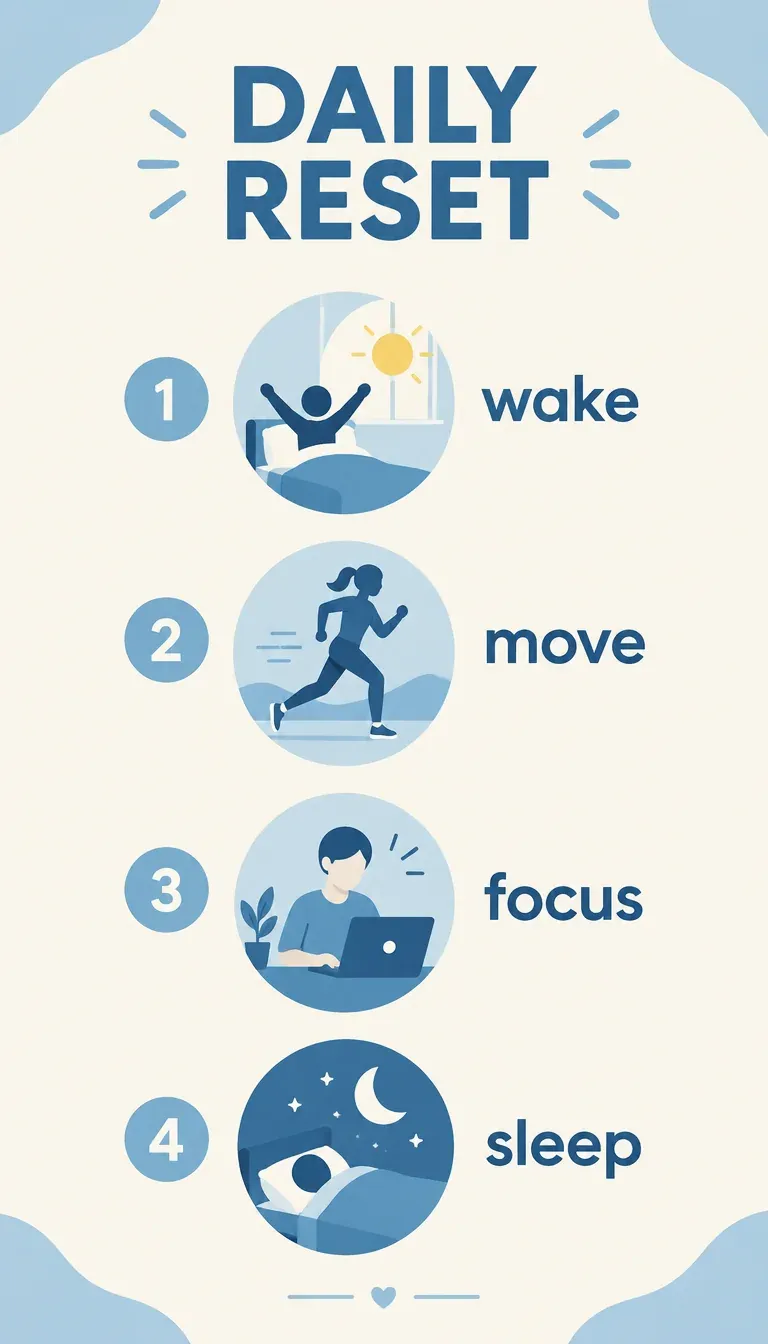
Clean flat-style infographic titled "DAILY RESET" at top, four numbered circular icons stacked vertically with short labels "wake", "move", "focus", "sleep", soft blue and cream palette, modern sans-serif, 9:16
*Real Omnely output: GPT Image 2.5 Flare, 1K, 8 credits.*
Why it works: naming every label in quotes gives the model exact strings to render rather than guessing.
20. Comparison infographic, two options
Two-column comparison infographic, headline "DEEP vs SHALLOW WORK" at top, left column labeled "DEEP" in blue with three bullet icons, right column labeled "SHALLOW" in orange with three bullet icons, clean editorial layout, 4:5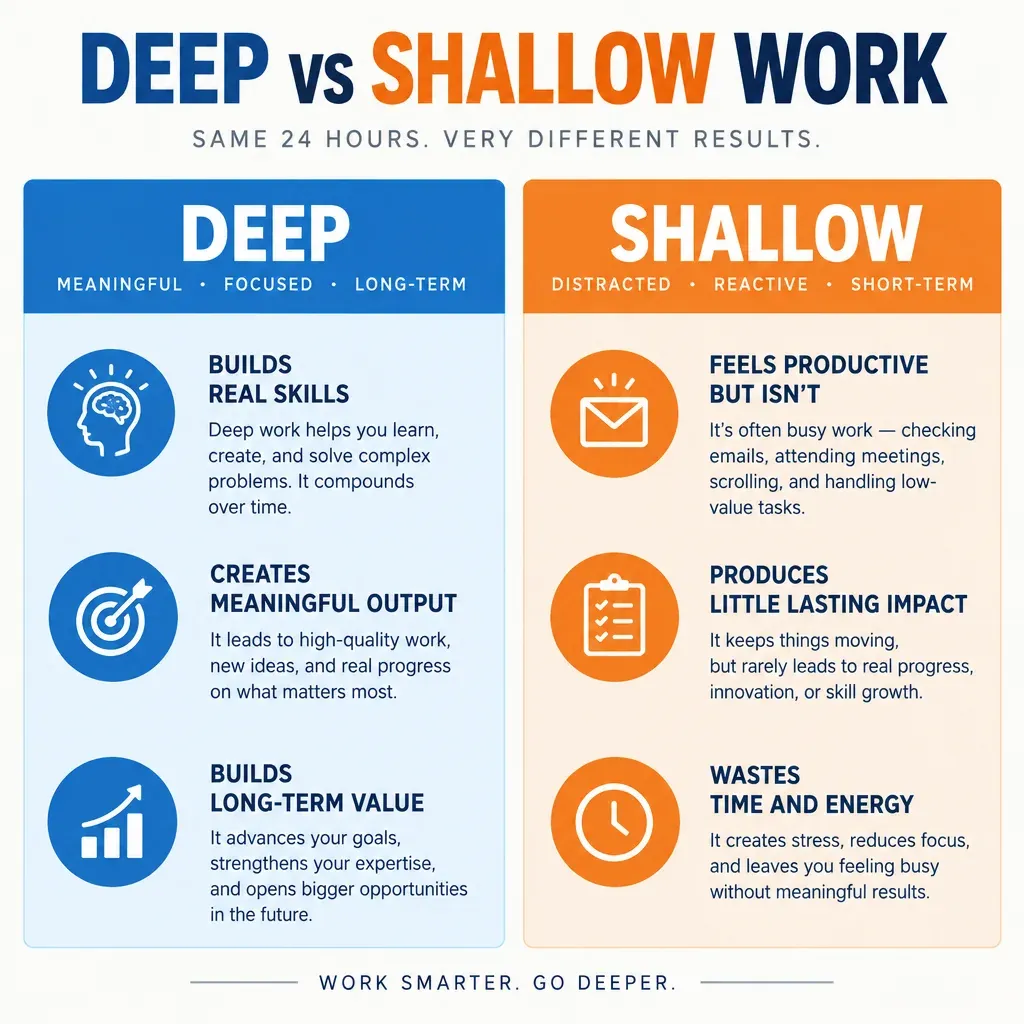
*Real Omnely output: GPT Image 2.5 Flare, 1K, 8 credits. The small supporting copy under the column labels was added by the model, not the prompt.*
Why it works: two columns and two color codes give the model a rigid structure that resists layout drift.
21. Process steps infographic
Horizontal five-step process infographic, title "WRITE A GOOD PROMPT" top-center, five numbered boxes connected by arrows with short labels "scene", "subject", "details", "text", "limits", pastel palette, flat vector, 16:9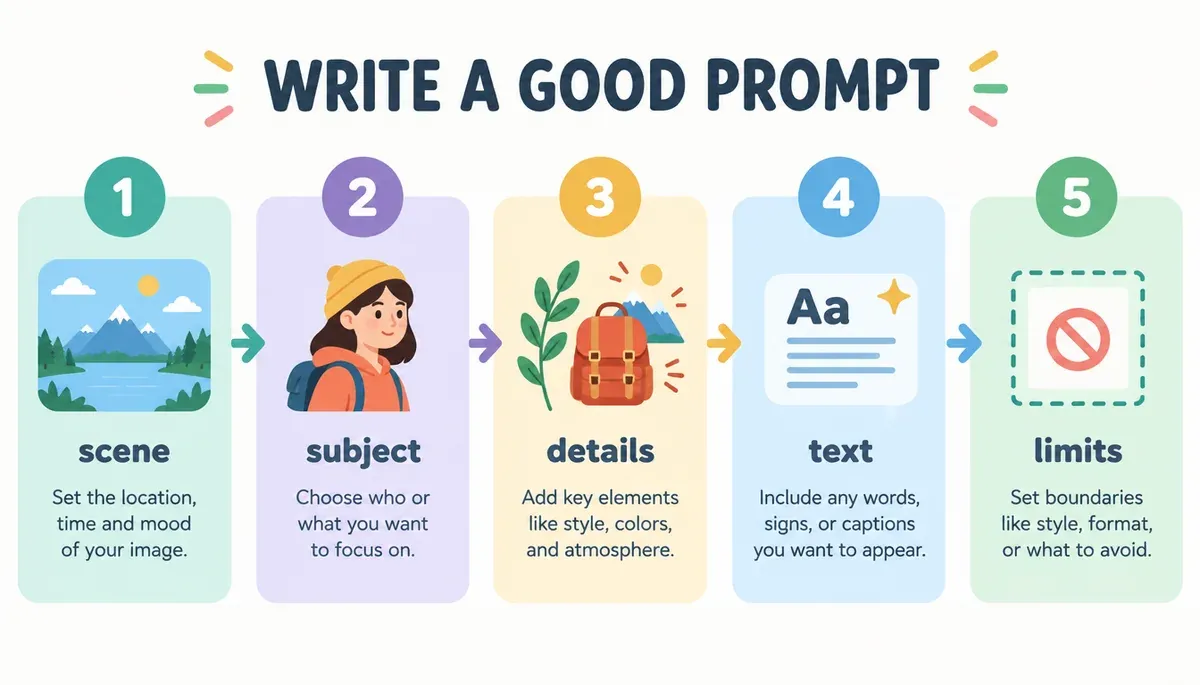
*Real Omnely output: GPT Image 2.5 Flare, 1K, 8 credits.*
Why it works: numbered boxes plus arrows form a visual pattern the model handles reliably.
22. Stats infographic template
Minimalist stats infographic template titled "BY THE NUMBERS", three large numbers "01", "02", "03" stacked vertically, each followed by a thin grey placeholder bar instead of a caption, deep blue and white palette, generous negative space, no other text, 2:3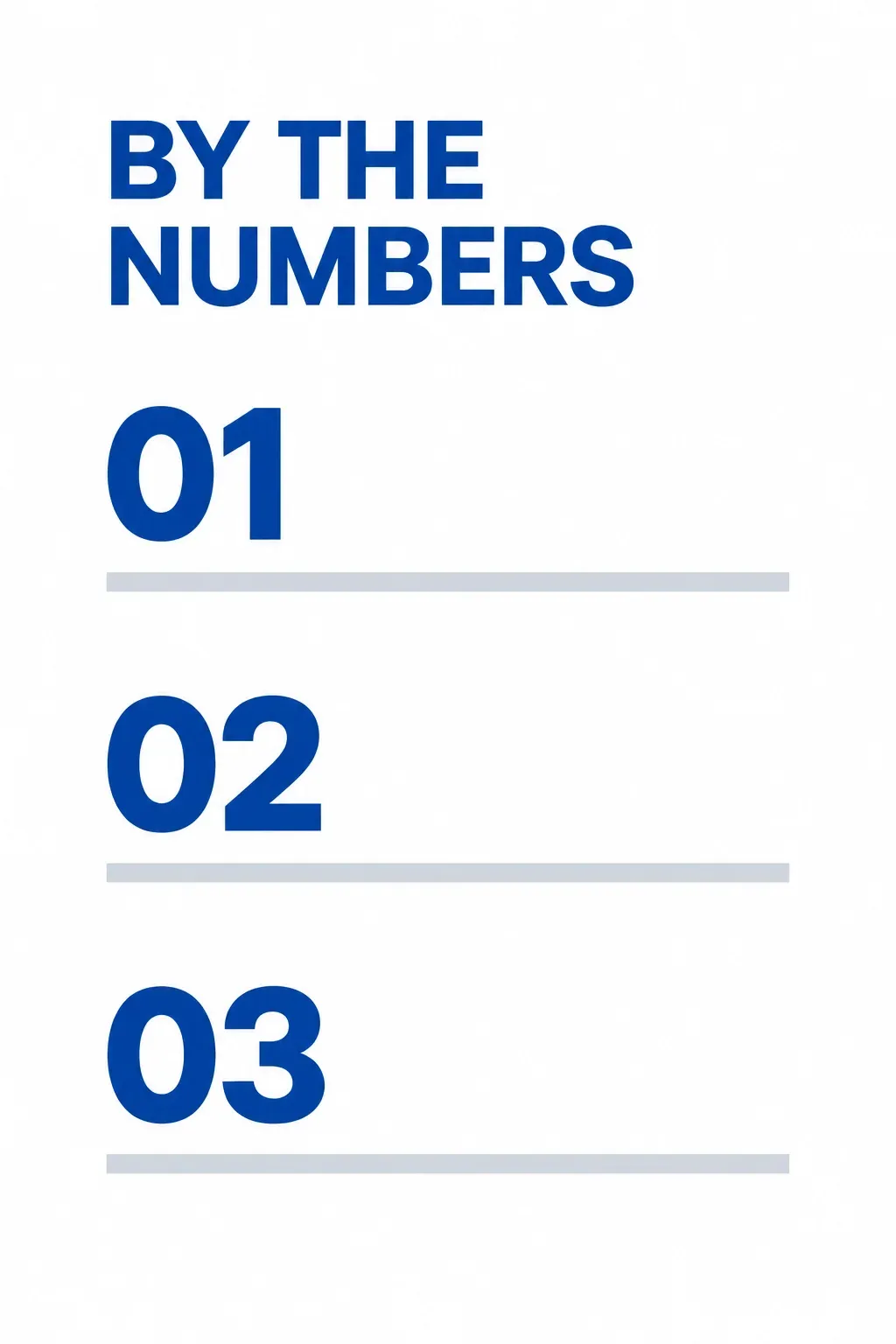
*Real Omnely output: GPT Image 2.5 Flare, 1K, 8 credits.*
Why it works: neutral placeholder numbers and grey bars give a reusable layout, and "no other text" stops the model from inventing captions or statistics.
23. Timeline infographic
Vertical timeline infographic titled "A YEAR IN REVIEW", four dated milestones along a center line with short labels "January launch", "April update", "July milestone", "October release", muted sage and ivory palette, 9:16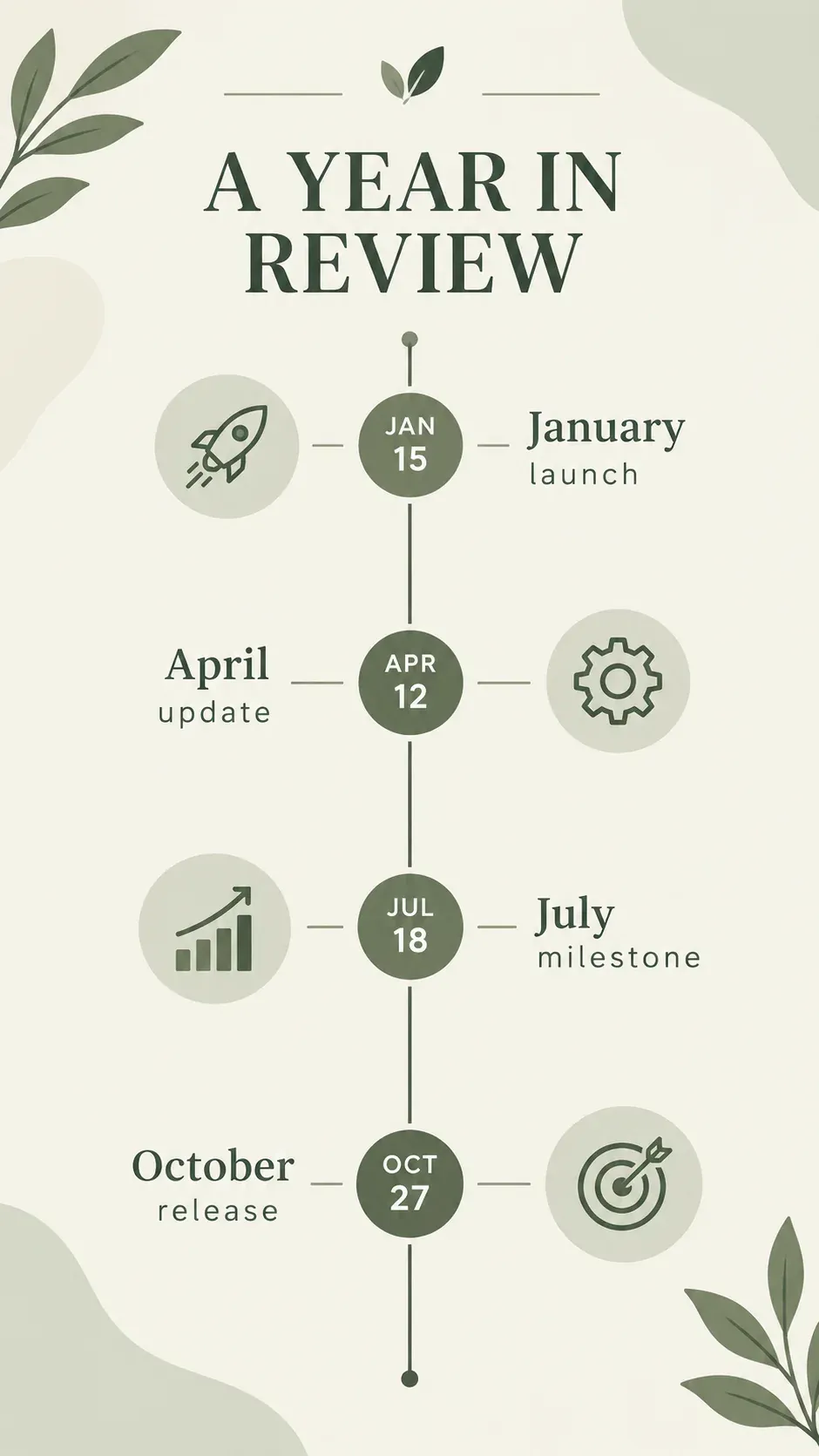
*Real Omnely output: GPT Image 2.5 Flare, 1K, 8 credits.*
Why it works: a vertical center line forces strict alignment and keeps the eye flowing top-to-bottom.
24. Icon grid infographic
Six-icon grid infographic titled "TOOLKIT", three-by-two layout of simple line icons with short labels "notes", "focus", "files", "calls", "write", "ship", monochrome navy on cream, clean editorial, 4:5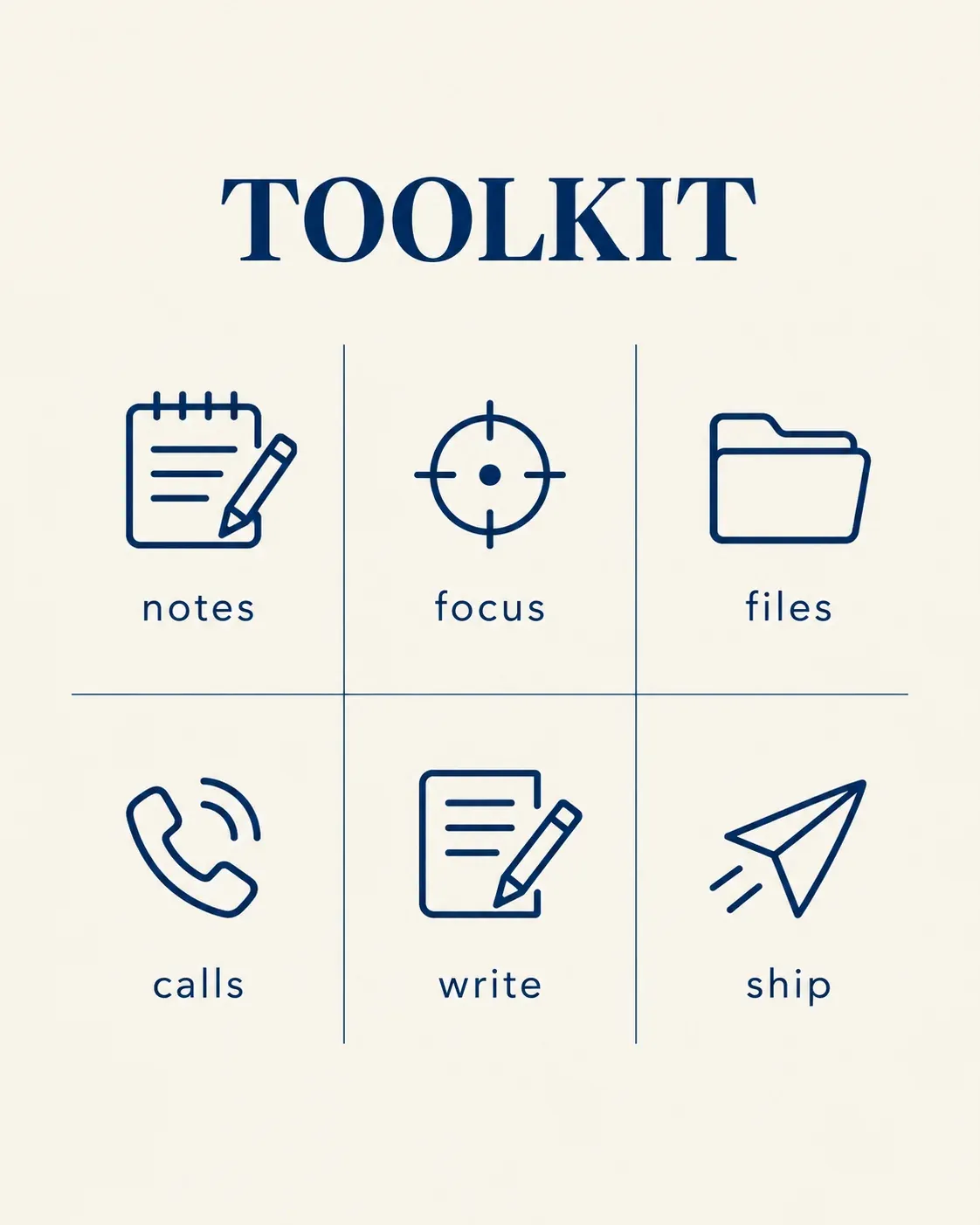
*Real Omnely output: GPT Image 2.5 Flare, 1K, 8 credits.*
Why it works: an explicit grid plus one-word labels keeps text legible even at thumbnail size.
Text-in-image prompts
Text rendering is where chat gpt image prompts most often fail. Short strings in quotes, named font style, and a background that leaves room for type keep the output clean.
25. Quote card for social
Elegant quote card, cream textured background, large serif text "slow is smooth, smooth is fast" centered in dark forest green, small attribution "- field notes" below in italic, generous margins, 1:1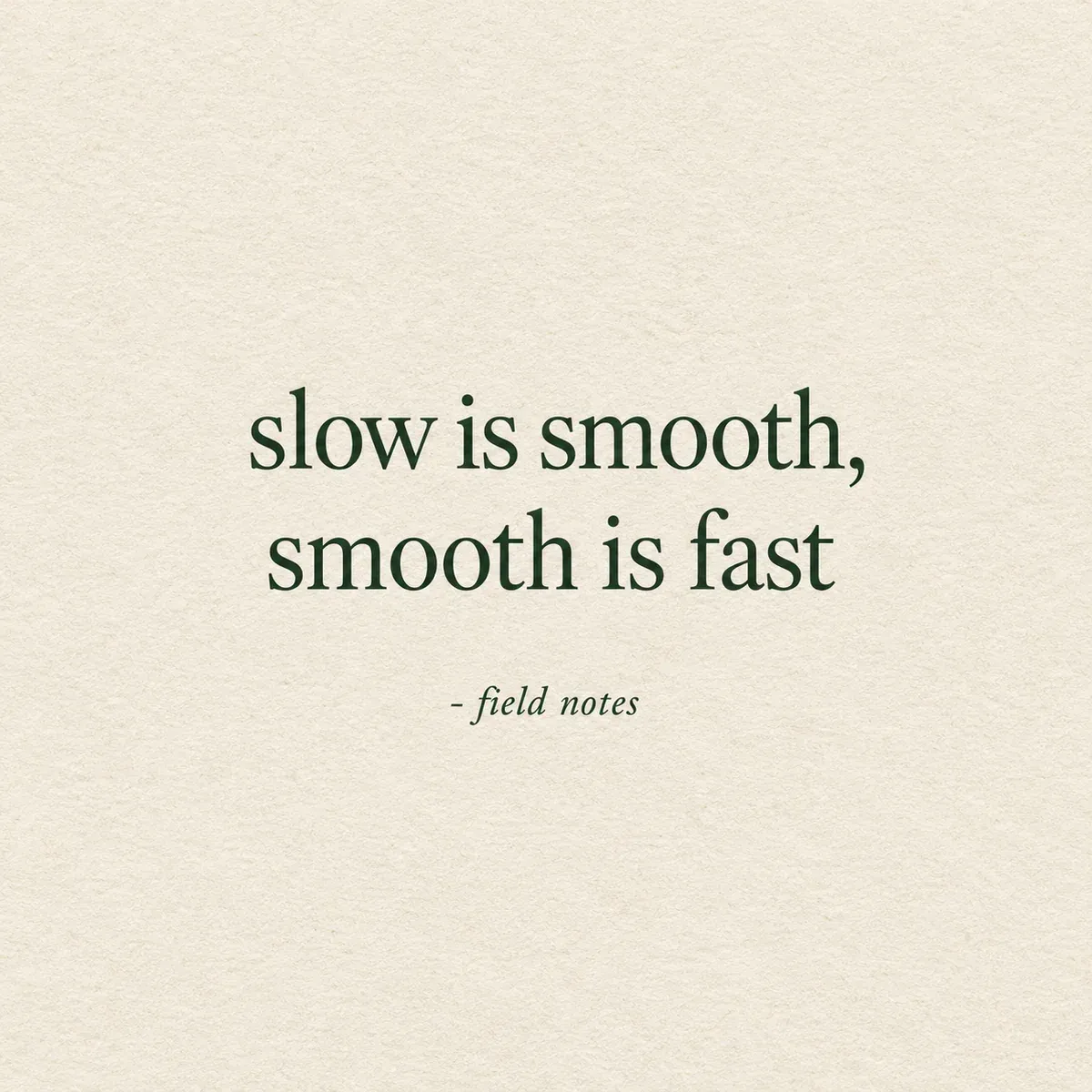
*Real Omnely output: GPT Image 2.5 Flare, 1K, 8 credits.*
Why it works: short line, clear color contrast, and named font style all help the model render letters accurately.
26. Book cover mockup
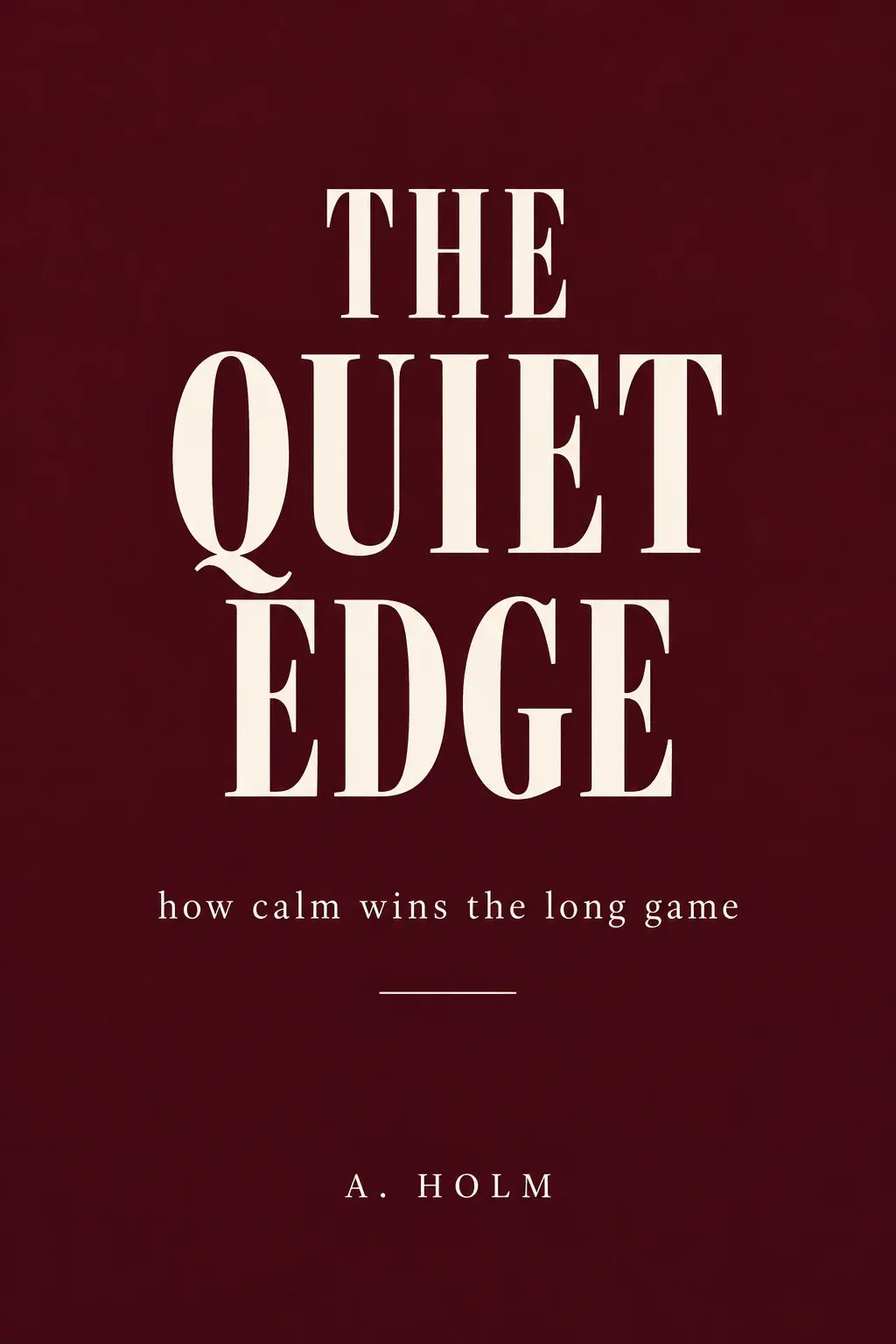
Modern nonfiction book cover, deep burgundy background, bold condensed serif title "THE QUIET EDGE" centered, subtitle "how calm wins the long game" below, small author name "A. HOLM" at bottom, minimalist layout, 2:3
*Real Omnely output: GPT Image 2.5 Flare, 1K, 8 credits.*
Why it works: three separate text elements, each short, sit in a classic cover hierarchy the model can replicate.
27. Sale banner with large text
Bright flat sale banner, bold sans-serif headline "SPRING SALE" in white on coral background, subtitle "up to 40 off" below, small circular badge "today only" top-right in navy, 16:9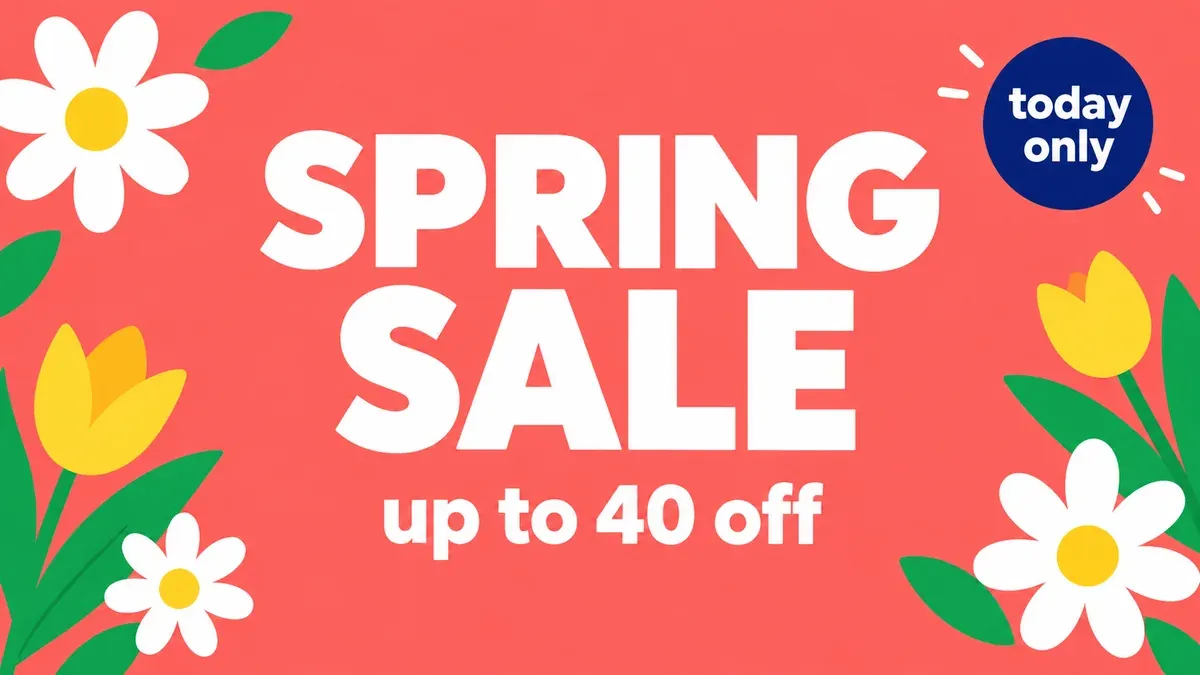
*Real Omnely output: GPT Image 2.5 Flare, 1K, 8 credits.*
Why it works: three short strings plus one badge shape give the model clear anchors without percent signs that often garble.
28. Podcast cover art
Modern podcast cover art, dark gradient background from indigo to black, bold rounded sans-serif title "SIGNAL ROOM" centered, small tag "weekly tech talk" below, single glowing dot above the title, 1:1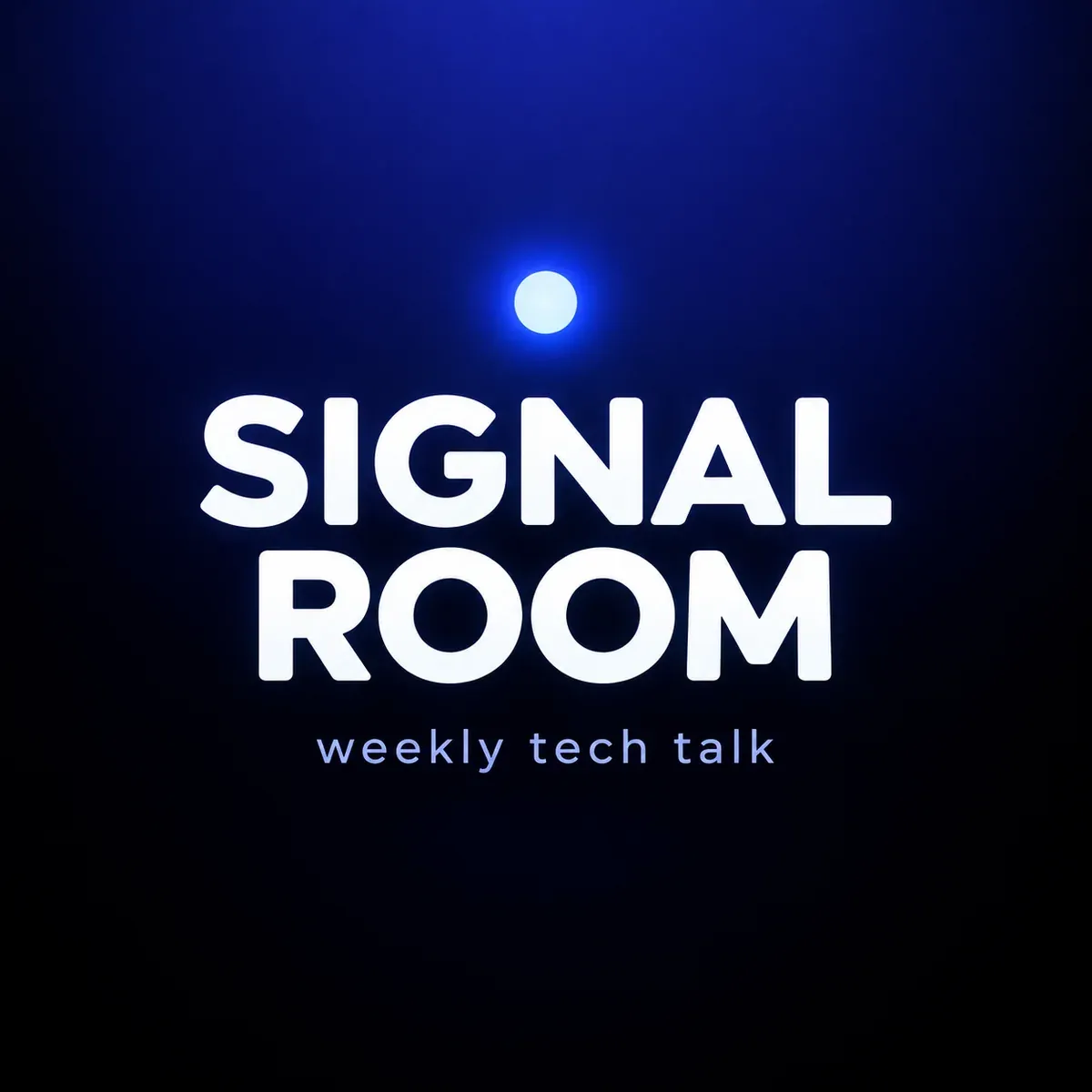
*Real Omnely output: GPT Image 2.5 Flare, 1K, 8 credits.*
Why it works: a single decorative element keeps the eye on the title rather than fighting the type.
29. Minimal greeting card
Minimal greeting card, soft blush pink background, thin sans-serif text "thinking of you" centered in warm brown, tiny line-drawn leaf below the text, lots of negative space, 2:3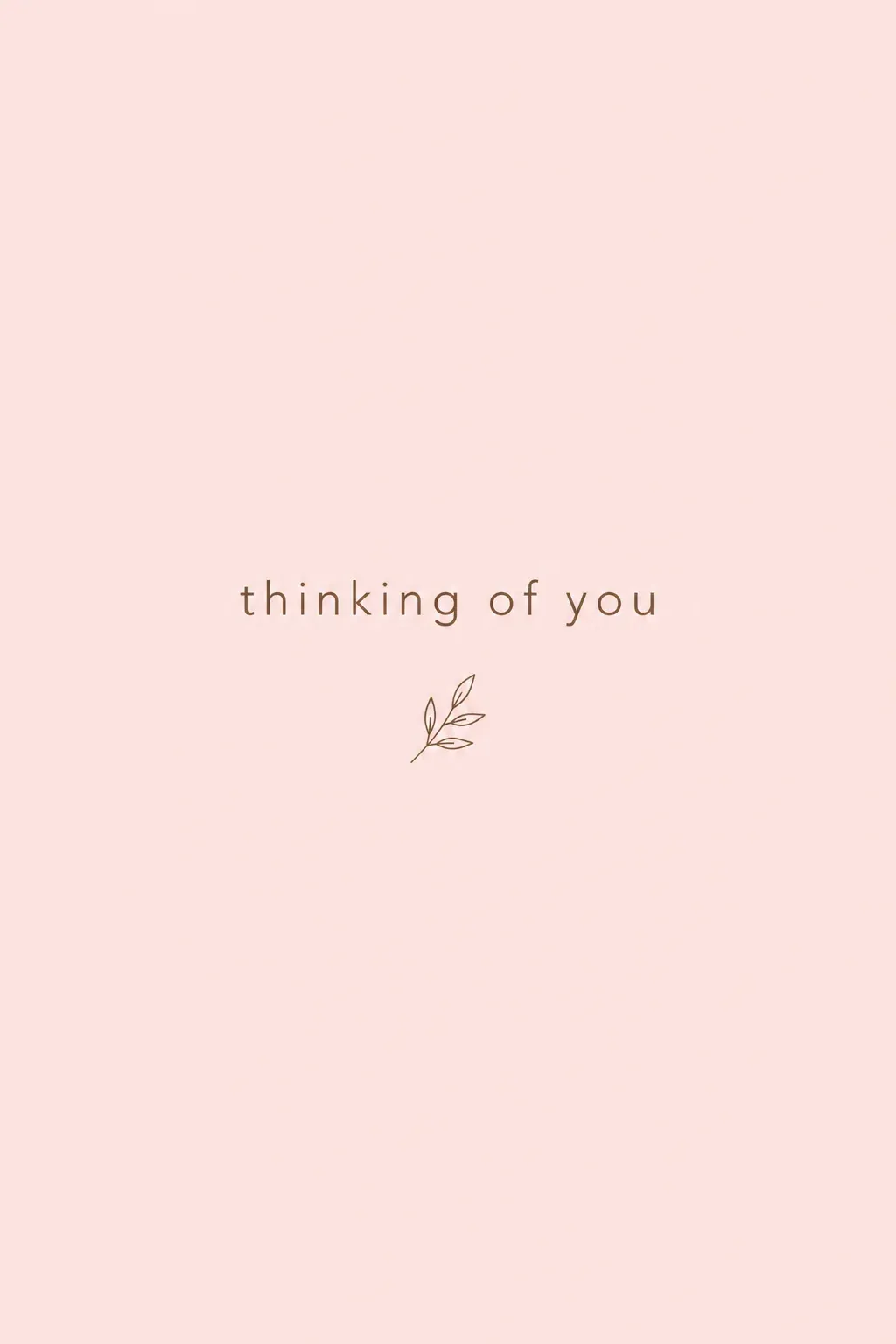
*Real Omnely output: GPT Image 2.5 Flare, 1K, 8 credits.*
Why it works: a tiny decorative element and a short phrase let the model prioritize crisp letterforms.
30. Café menu header
Vintage café menu header, warm cream paper texture, hand-lettered serif title "MORNING MENU" centered in deep espresso brown, small ornamental flourish below, subtle coffee ring stain in the corner, 3:4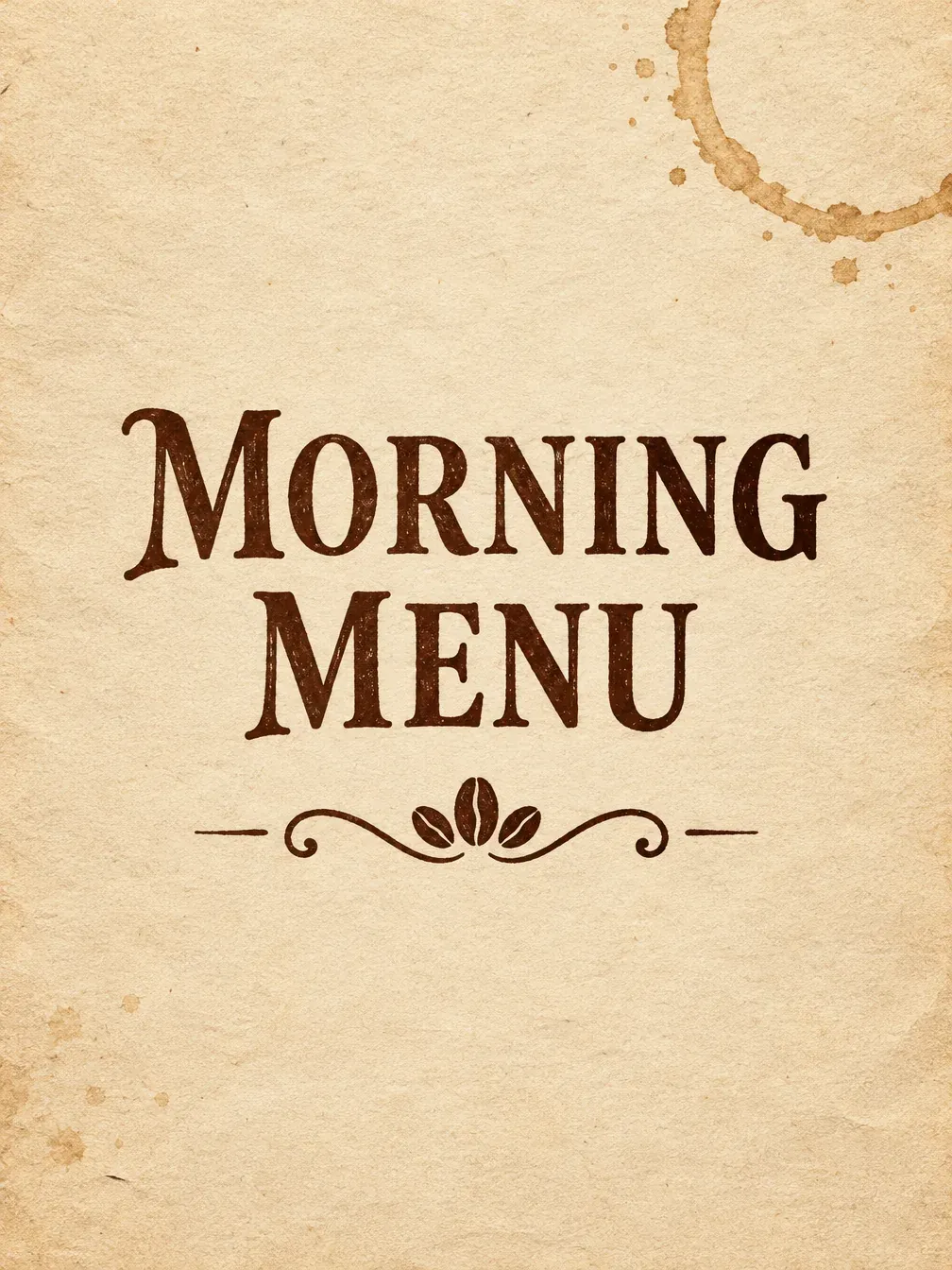
*Real Omnely output: GPT Image 2.5 Flare, 1K, 8 credits.*
Why it works: the paper texture plus a single ornament frames the type without crowding the headline.
Fixing chatgpt picture prompts that miss
When output misses the brief, change one variable at a time:
- Garbled text: shorten the string, put it in double quotes, and add "no other text" to the prompt. Avoid special characters and percent signs where possible.
- Crowded layout: add "generous negative space" and remove any detail that is not load-bearing. Posters and quote cards usually need fewer elements, not more.
- Wrong ratio: write the aspect ratio inside the prompt itself (e.g., "2:3") as well as selecting it in the UI.
- Style drift: name a medium ("flat vector," "watercolor," "risograph") and a reference era ("1970s," "modern editorial"). Two anchors beat one.
- Overcooked lighting: specify a single light direction ("hard rim light from the right") instead of a vague "dramatic lighting."
- Unwanted extras: list exclusions explicitly, "no logos," "no watermark," "no people," "no extra limbs."
Running these prompts on Omnely
Every output shown in this post was generated on Omnely's GPT Image lineup. The newest options are GPT Image 2.5 Flare and GPT Image 2.5 Sunburst, both supporting text-to-image and image-to-image with up to 16 reference images and aspect ratios from 1:1 to 21:9. Credits run 8 / 15 / 30 at 1K / 2K / 4K. If a prompt needs sharper micro-detail (packaging, small text), step up to 2K.
The slightly older GPT Image 2 remains a strong default at 10 / 15 / 20 credits (1K / 2K / 4K) and also handles up to 16 references. A practical workflow: draft at 1K, then re-render the winners at 2K.
Other image models worth a side-by-side pass:
- Nano Banana 2.1 (8 / 15 / 20 credits at 1K / 2K / 4K).
- Nano Banana 2, the earlier Nano Banana release.
- Seedream 5.0 Pro (10 / 20 credits at 1K / 2K).
For photo and selfie-style outputs, including likeness-safe photo edits, head to the dedicated ChatGPT photo prompts post, which covers photo prompts and uploaded-image workflows. For a broader walkthrough of the GPT Image generator itself, see how to use GPT Image 2, and for in-app editing moves, the ChatGPT image editor guide. Comparing against other generators? Start with the best AI image generators of 2026.
New users get free credits when they sign up, and the image models need a paid Omnely plan.
FAQ
Can ChatGPT image prompts include text?
Yes. ChatGPT Images 2.5 (OpenAI's current image model, available across ChatGPT tiers as of October 2026) and GPT Image 2.5 Flare / Sunburst on Omnely both render on-image text. The reliable pattern is to wrap the exact phrase in double quotes, keep it under about eight words per element, and name the font style ("bold condensed serif," "rounded sans-serif"). Long paragraphs still misfire, split them across multiple shorter strings.
How long should a chatgpt image prompt be?
OpenAI's own guidance leans toward one to three clear sentences. Longer prompts help only when every added phrase describes a concrete attribute (lighting direction, material, exact text). Padding adjectives like "beautiful" or "amazing" rarely improve the output and sometimes dilute the actual instructions.
Which Omnely model is best for text-heavy posters?
Both GPT Image 2.5 Flare and GPT Image 2.5 Sunburst render on-image text, and every text-in-image output in this post came from Flare at 1K (8 credits). For dense layouts with three or more separate text elements, step up to 2K (15 credits) to give small lettering more pixels.
How does the scene-subject-details-text-constraints formula compare to just describing a scene?
The ordered formula is more predictable because it mirrors how image models parse structure: establishing environment first, then focal subject, then specific attributes, then any typographic content, and finally exclusions. Unordered descriptions still produce images, but they drift more between runs, the formula is what makes a prompt reusable across styles.
Ready to run these? Open the GPT Image 2 generator on Omnely and paste any prompt above, the newest 2.5 Flare and Sunburst models are selectable in the same workspace.