The Ultimate Guide to AI Prompts for Faceless YouTube Channels
Scale your faceless YouTube channel with top AI prompts. Learn to generate scripts, voiceovers, and videos using Sora 2, Veo 3.1, and ElevenLabs.
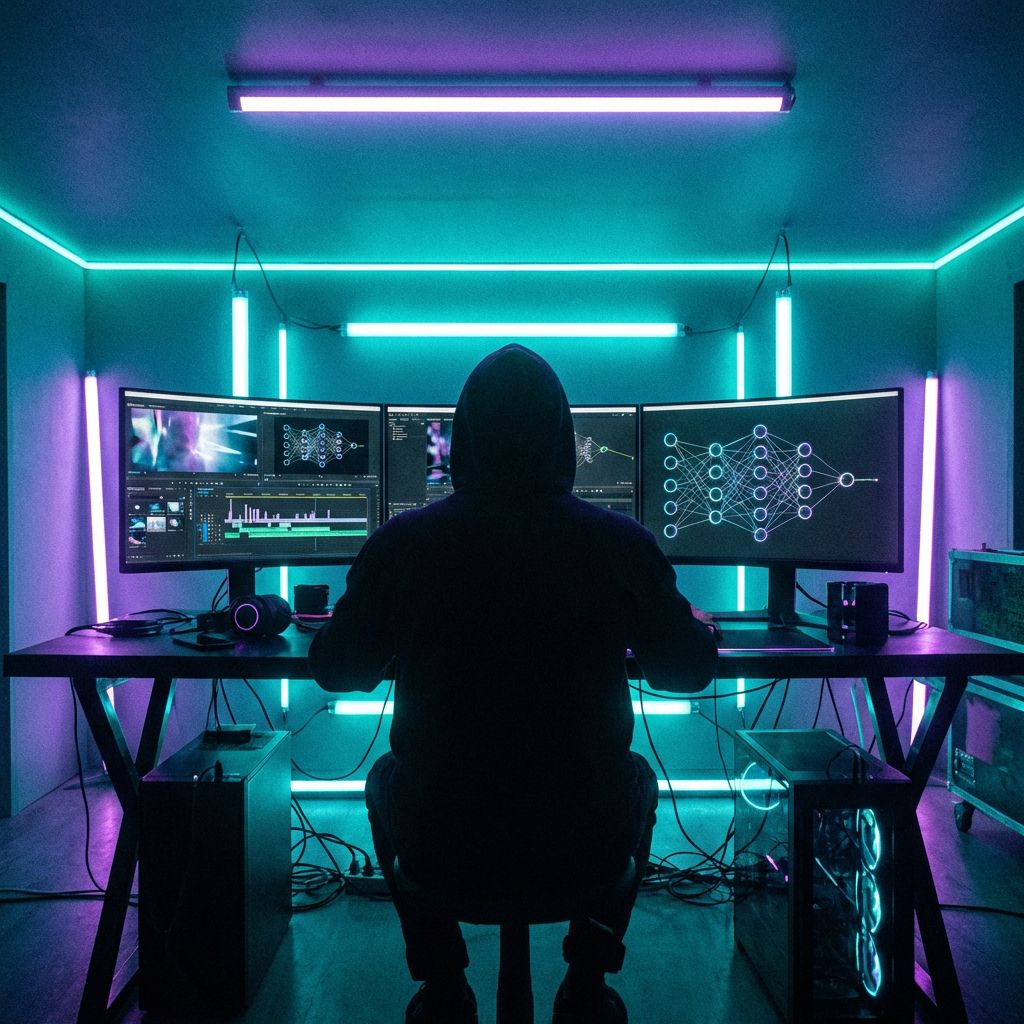
The "faceless YouTube channel" business model has exploded in popularity, and for good reason. It allows creators to build massive audiences and revenue streams without ever stepping in front of a camera. However, with over 500 hours of video uploaded to YouTube every minute, the competition is fierce.
Historically, running a high-quality faceless channel required a team: a scriptwriter, a voice actor, and a video editor. Today, AI has lowered that barrier to entry, but it hasn't removed the need for skill. The difference between a viral video and one that flops often comes down to one thing: prompt engineering.
While tools are powerful, the quality of your output depends entirely on the quality of your input. In this guide, we will walk through an "all-in-one" workflow—from strategy to thumbnail—using specific prompts you can use immediately. We will also show you how to execute this entire process within the Omnely ecosystem, saving you from managing five different expensive subscriptions.
Step 1: Niche Discovery & Channel Strategy Prompts
Before generating a single pixel of video, you need a strategy. Many creators fail because they pick niches based on guesswork rather than data. You need to identify high-RPM (Revenue Per Mille) niches where you can compete.
Brainstorming High-RPM Niches
Instead of asking generic questions, use reasoning models to analyze market psychology. We recommend using DeepSeek V3 (1 credit) or Qwen 2.5 72B (1 credit) for this phase. These models excel at logic and strategy without burning your budget on expensive creative models.
🚀 Strategy Prompt:
"Act as a YouTube market analyst. Identify 5 high-CPM (Cost Per Mille) niches for a faceless YouTube channel that are currently trending but have a 'content gap' where supply hasn't met demand. For each niche, suggest a unique angle that differentiates my channel from the top competitors. Focus on evergreen topics like finance, health, or technology."
Defining Your Brand Voice
Once you have a niche, you need a persona. Even without a face, your channel needs a "voice."
🚀 Persona Prompt:
"Create a brand persona for a faceless channel about 'Futuristic Tech'. The tone should be authoritative yet accessible, similar to a high-budget documentary. Define the vocabulary style, pacing, and emotional triggers we should aim for to keep viewers engaged."
Step 2: Scriptwriting Prompts That Retain Viewers
According to HubSpot research, 80% of viewers decide within the first 5 seconds whether to continue watching. Your script's hook is the most critical element of your video.
For scriptwriting, we recommend using Claude 3.7 Sonnet (3 credits) for its nuanced, human-like prose, or GPT-5 (3 credits) if your topic requires deep, complex research.
Structuring the Viral Hook
Don't start with "Hello, welcome to my channel." Start with a curiosity gap.
🚀 Hook Prompt:
"Write 3 variations of a 30-second script hook for a video about 'The Future of AI'. Use the 'Fear of Missing Out' (FOMO) psychological trigger. The hook must start with a shocking statistic or a contrarian statement. Format the output with two columns: 'Audio' and 'Visual Suggestion'."
Prompting for Visual Pacing
A script isn't just words; it's a blueprint for your video editor (or AI video generator). You must instruct the AI to visualize the pacing.
🚀 Visual Script Prompt:
"Write a 1500-word script about [Topic]. Break the script into short paragraphs. Between every 2 sentences, insert a bracketed visual cue like [Cut to: Cinematic drone shot of city] or [Cut to: Fast-paced montage of computer code]. Ensure the tone is conversational and avoids robotic phrases like 'In conclusion' or 'Delve into'."
Pro Tip for Shorts: If you are creating YouTube Shorts, prompt the AI to write a "looping script" where the last sentence naturally flows back into the first sentence. This technique can increase watch time by 30–60%.
Step 3: AI Video Prompts for B-Roll and Visuals
This is where the magic happens—and where costs usually skyrocket. Generating custom video B-roll is traditionally expensive, but Omnely's credit system allows you to mix and match models to optimize your budget.
Choosing the Right Model for the Job
Not every clip needs to be Hollywood quality. Be strategic:
For B-Roll & Backgrounds: Use Veo 3.1 Fast 8s (30 credits / $0.30). It is 75% cheaper than going direct to Google and perfect for filling gaps.
For High-Impact Intros: Use Sora 2 10s (44 credits / $0.44). This is 56% cheaper than OpenAI direct and offers stunning realism.
For Character Motion: Use Kling 2.6 Motion 5s (60 credits / $0.60) when you need specific, complex movements.
You can compare all available options on our Video Models page.
The "Cinematic" Prompt Formula
To get usable footage, use this formula: [Subject] + [Action] + [Environment] + [Camera Angle] + [Lighting/Style].
🚀 B-Roll Prompt (Veo 3.1 / Sora 2):
"Cinematic drone shot of a futuristic cyberpunk city at night, neon lights reflecting on wet pavement, flying cars passing by, 4k resolution, photorealistic, slow smooth motion, volumetric lighting, anamorphic lens."
Handling Motion and Consistency
One common issue with AI video is "morphing," where objects distort. To combat this, use negative prompting (if supported) or specify the lack of movement in the prompt.
🚀 Stability Prompt:
"A close-up of a modern smartphone on a wooden desk, screen displaying a green stock market graph. Static camera, slight dust particles floating in light, depth of field, sharp focus, no morphing, no distortion."
Step 4: Voiceover Prompts and Audio Settings
Bad audio ruins good video. Viewers will tolerate average visuals, but they will click off immediately if the audio is poor. Omnely integrates ElevenLabs, the industry standard for AI voice.
Selecting the Voice
Use ElevenLabs Turbo (7 credits / $0.07) for fast, standard narration. If you are targeting a global audience, use ElevenLabs Multilingual (13 credits / $0.13) to automatically translate your content.
Prompting for Emotion and Pacing
When generating speech, you aren't just pasting text. You can influence the delivery using punctuation and descriptors.
🚀 Voiceover Strategy:
Instead of a standard prompt, use "text formatting" to control the AI breath and pace:
Use ellipses (...) to add pauses for dramatic effect.
Use quotation marks to indicate a change in tone.
Example Input: "Wait... [pause] did you see that? It wasn't just a mistake. It was... a warning."
According to Think With Google, videos that trigger curiosity or shock are 2.4x more likely to be shared. Ensure your voiceover matches the emotional intensity of your script hook.
Step 5: Thumbnail Creation Prompts
Your video doesn't exist if no one clicks on it. A high CTR (Click-Through Rate) is vital.
Generating Click-Worthy Imagery
For thumbnails, you need two things: high contrast and legibility.
For Text Integration: Use Ideogram V3 (9 credits). It is the best model for rendering accurate text inside images.
For Photorealism: Use Flux 2 Pro (13 credits) or SeeDream V4 (5 credits).
🚀 Thumbnail Prompt (Ideogram V3):
"A YouTube thumbnail featuring a shocked robot face on the left side. On the right side, large bold yellow text reading 'AI IS OVER'. Dark background with bright red rim lighting. High contrast, 4k, hyper-detailed."
Upscaling for 4K Screens
AI images often come out at lower resolutions. To ensure your thumbnail looks crisp on a TV or 4K monitor, run your final image through Recraft Upscale (5 credits) to boost the resolution without losing detail.
Conclusion: The All-In-One Workflow
Building a faceless YouTube channel is no longer about who has the biggest budget; it's about who has the best workflow. By combining strategic prompts with the right AI models, you can produce documentary-level quality from your laptop.
The Omnely Workflow Summary:
Strategy: DeepSeek V3 (1 credit)
Script: Claude 3.7 Sonnet (3 credits)
Visuals: Veo 3.1 or Sora 2 (30-44 credits)
Audio: ElevenLabs Turbo (7 credits)
Thumbnail: Ideogram V3 + Recraft Upscale (14 credits total)
You don't need five different subscriptions to execute this strategy. You just need one platform that gives you access to the best tools at the lowest price.
Ready to Start Your Channel?
Stop paying for separate AI tools. Access Sora 2, Veo, ElevenLabs, and Claude 3.7 all in one place.